56
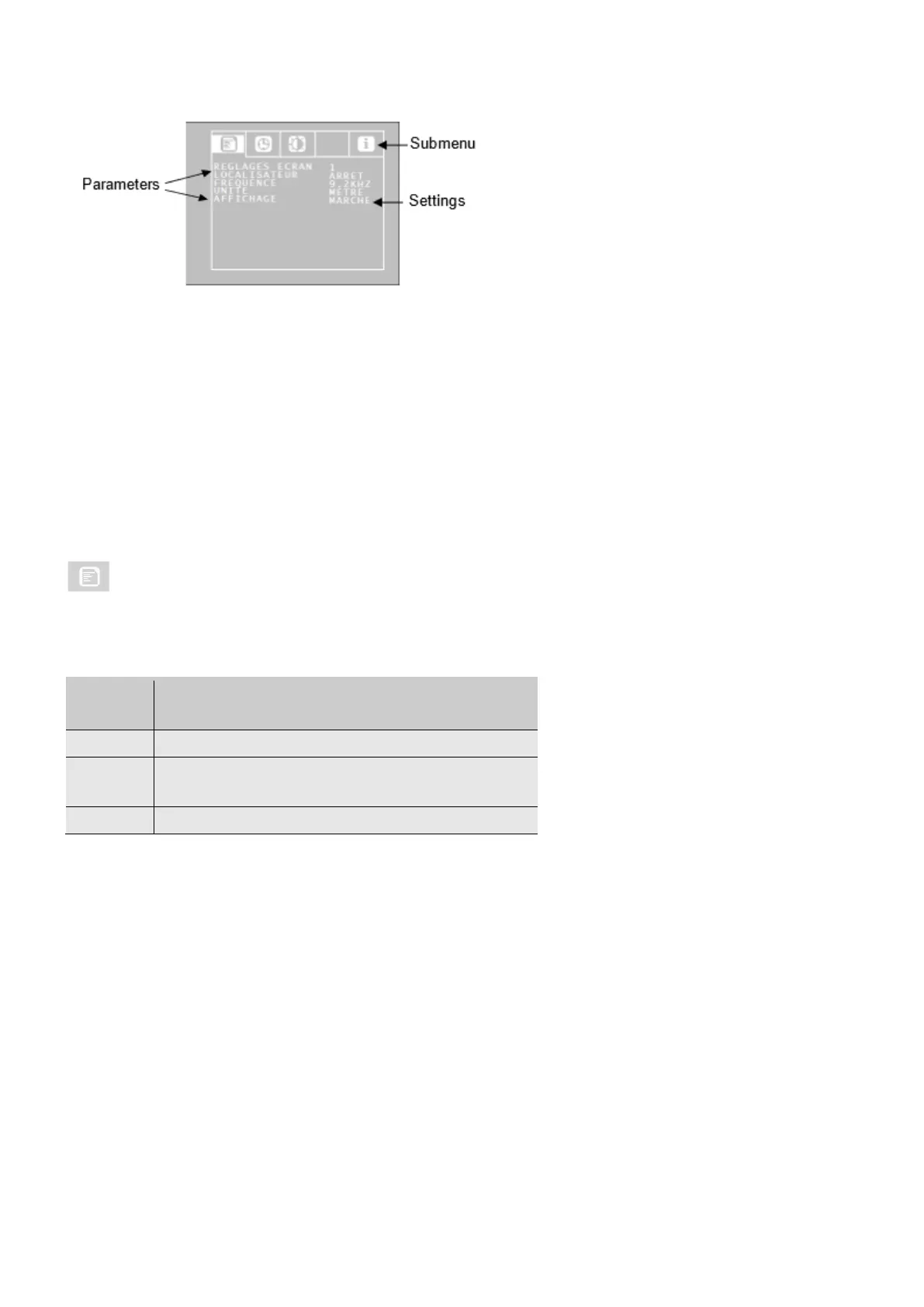
Go to the parameter required using the up/down arrows, and then select the settings required
using the left/right arrows.
• If a floppy disk symbol appears, press it to validate the selection.
• If there is no floppy disk symbol, press the ON/OFF button to validate the selection, and
quit the menu.
The following parameters are available:
6.1.1. Configuration menu
Screen settings
The user can choose among 3 predefined screen settings. Please note that the screen 1 and 2
settings cannot be modified.


 To Next Page