52
Adjusts the camera head to the straight position, display parallel with the ground
+
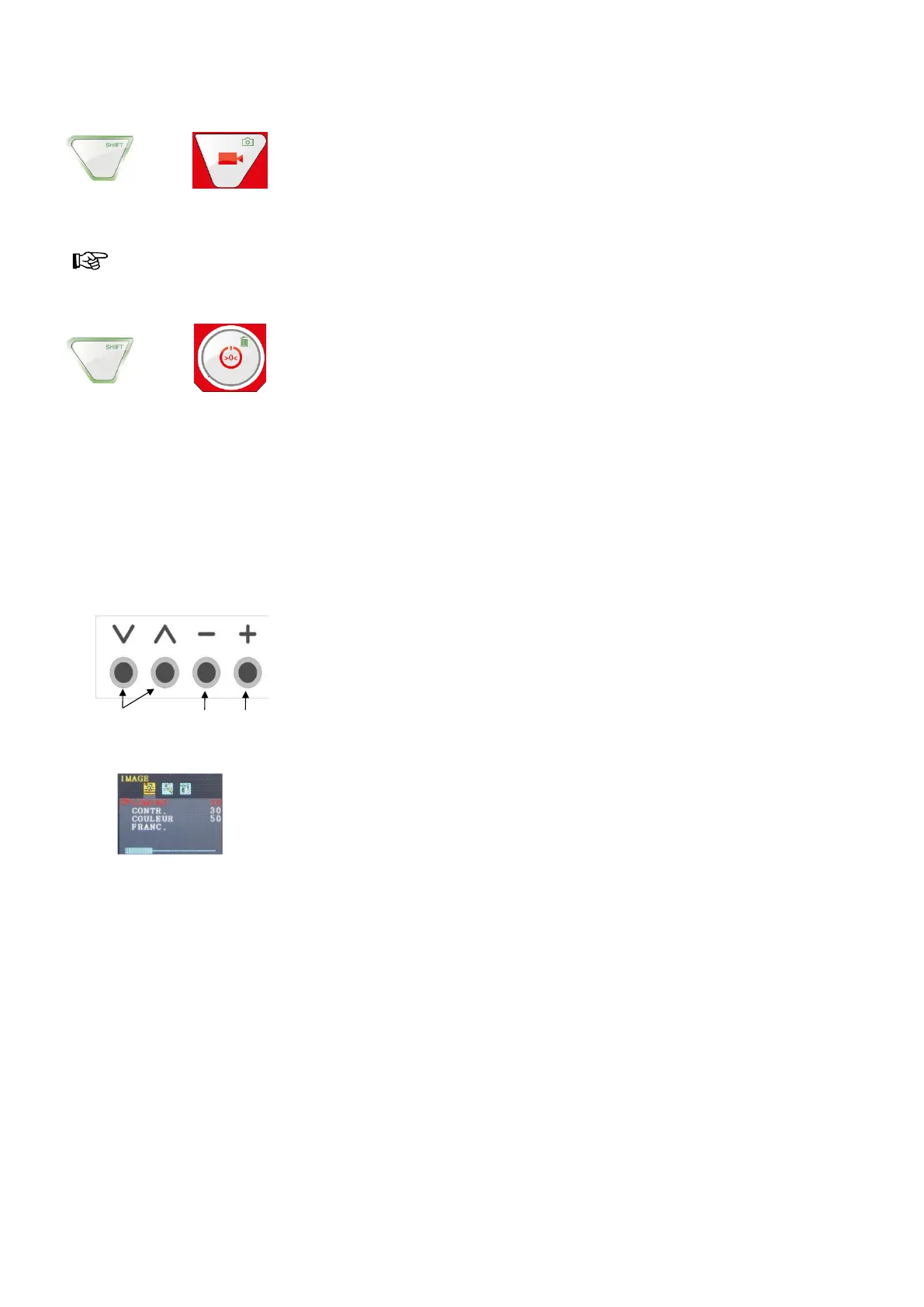
PHOTO key
Record/Take a photo
REMARK!
The photos are saved in the .jpg format and can be read on the computer from the SD card.
+
DELETE key
Deletes a photo or a video, after selecting it in the PLAY mode.
5.3. Screen
The display can be adjusted using the screen menu.
5.4. Screen menu
< Menu bar
< Parameters
• Press the MENU button to activate the screen menu.
The menu bar displays different symbols representing the submenus: Image > Format > Option
> OFF (quit menu)
• Press the MENU button, to browse the different submenus.
• Press '˄' o' '˅' to select a parameter.
• Press '–' to reduce the parameter's value.
• Press '+' to increase the parameter's value.


 To Next Page