23
The digital piano can record the music your played, including the build-in
accompaniment of the piano. Operation as follows:
Record
:
1. Press[Record]button and the indicated light on, the metronome function will
be turned on and record. If you want to turn off the metronome voice, press [Metronome]to
close it.
2. Press[Record] button ,the indicated light off and exit the record function.
Play
:
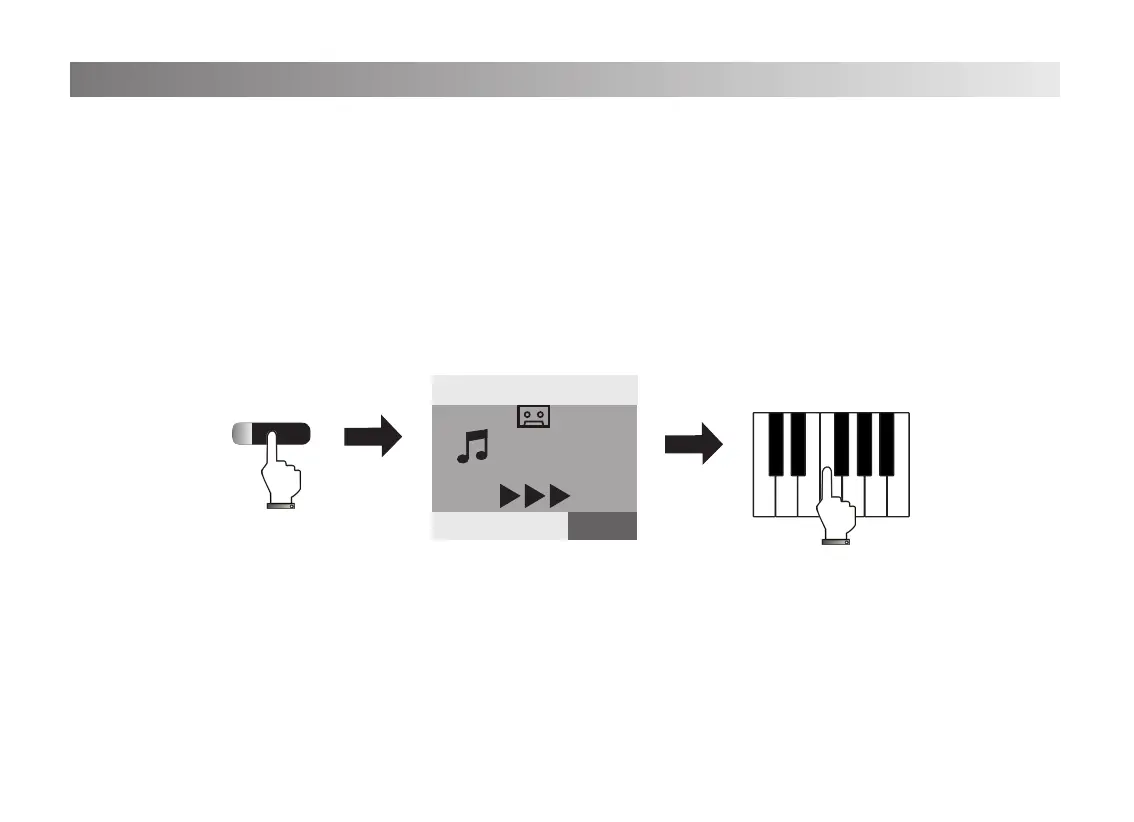
1. Press[Play]button, the indicated light on, the screen shows you the music is playing
as the icon below. (The music you recorded will be played.)
2. After playing,the indicated light off and the playing icon will be disappeared.
Record and Play
Record
VOICE R1:0
Piano
20
Tempo
=120 0
STYLE SONG VOICE


 To Next Page
 Loading...