28
INTRO\ENDING :
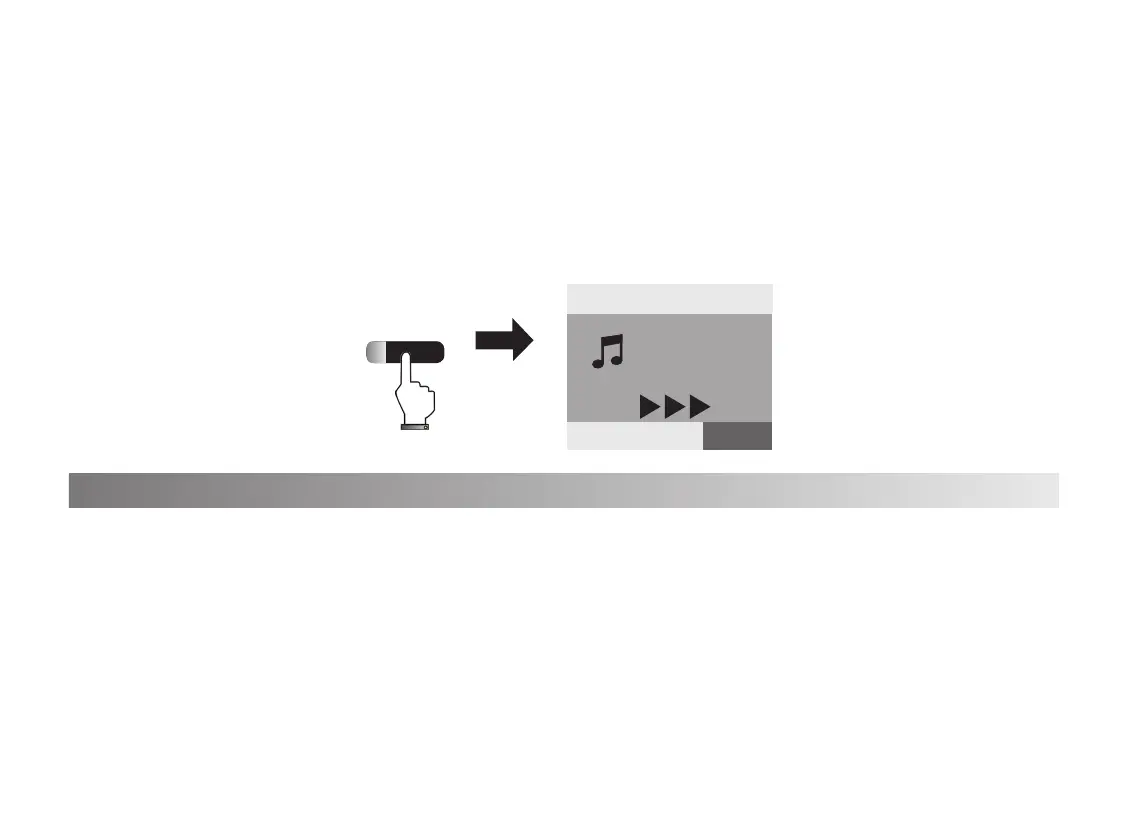
1. Press[INTRO\ENDING] button, the [Start/Stop] indicated light will be on
simultaneously. The screen shows 3 blinking triangular symbols,the Prelude will be inserted
into your music.
2. Press [INTRO\ENDING] button, the indicated light is on, the nale will be
inserted into your music. Then the indicated light off and accomp stop.
1. Press[Dual] button to get in the dual voice status, the indicated light on, the default voice
is the second voice:048 STRINGS1.
2. Press [Data/Tempo +/-]button to select other second voice. The rst voice setting needs to
adjust before pressing [Dual ] button.
3. Press[Dual] button turn off the dual vocie effect and back to the rst voice.
Dual Voices
VOICE R1:0
Piano
INTRO\ENDING
20
Tempo
=120 0
STYLE SONG VOICE


 To Next Page
 Loading...