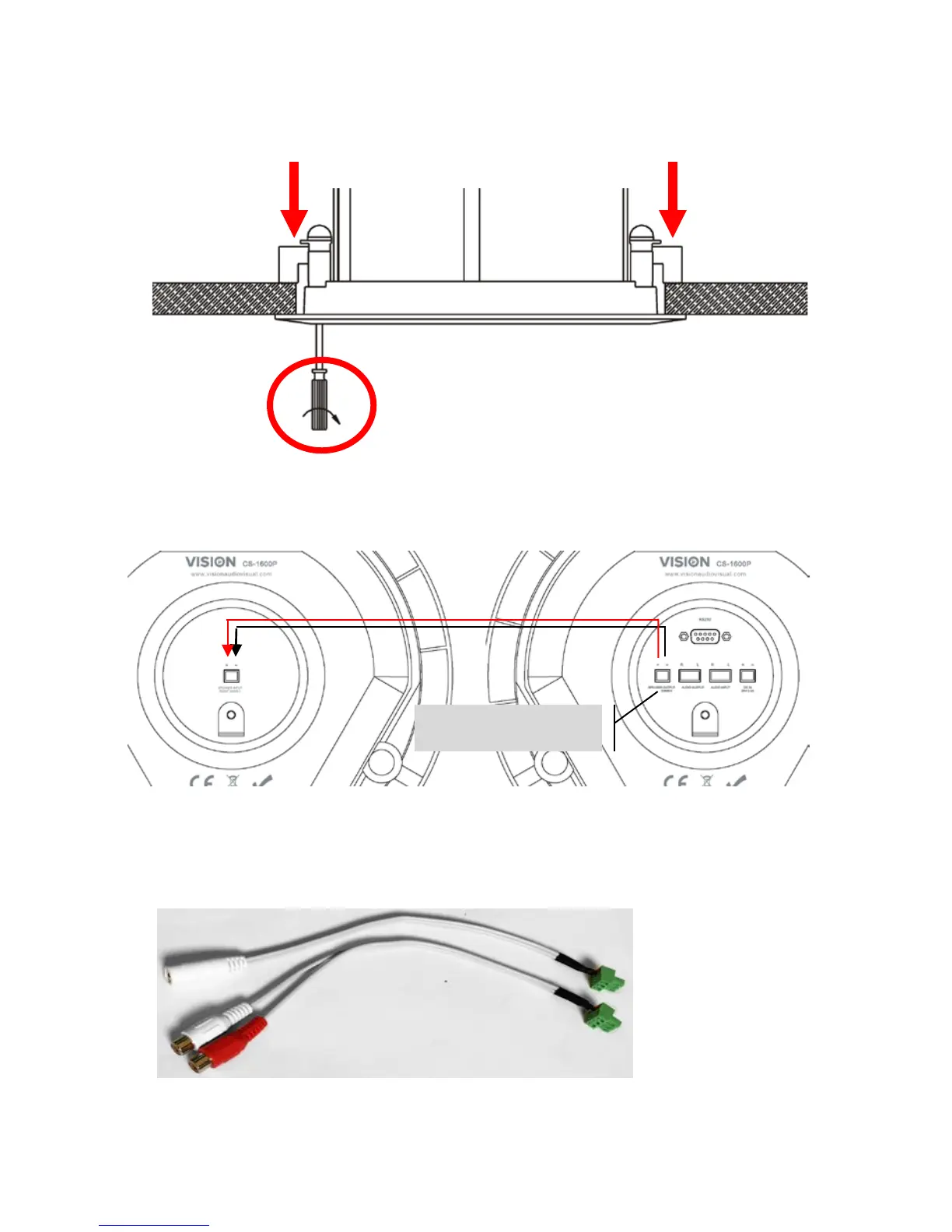
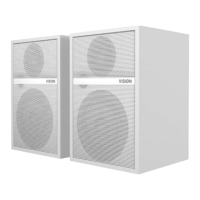
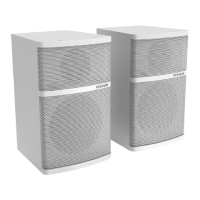
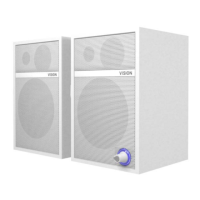
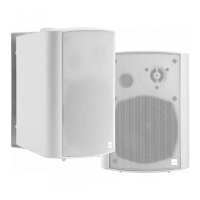
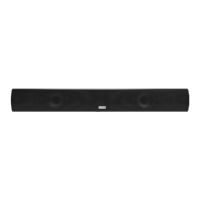
4. FIX LOUDSPEAKERS TO CEILING TILE turning clamp screws from the front of loudspeaker.
The clamps will turn out and tighten.
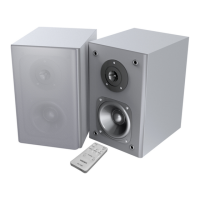
5. CONNECT LOUDSPEAKERS TOGETHER Use the included speaker cable. If cable provided is
not long enough use unshielded speaker cable with gauge of 0.75mm or higher.
Slave Loudspeaker Master Loudspeaker
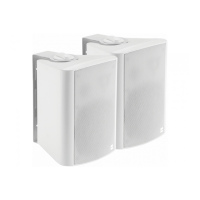
6. CONNECT INPUT Plug the phoenix-to-minijack/phono adaptor (shown below) into the input
connectors on the rear panel.



 To Next Page