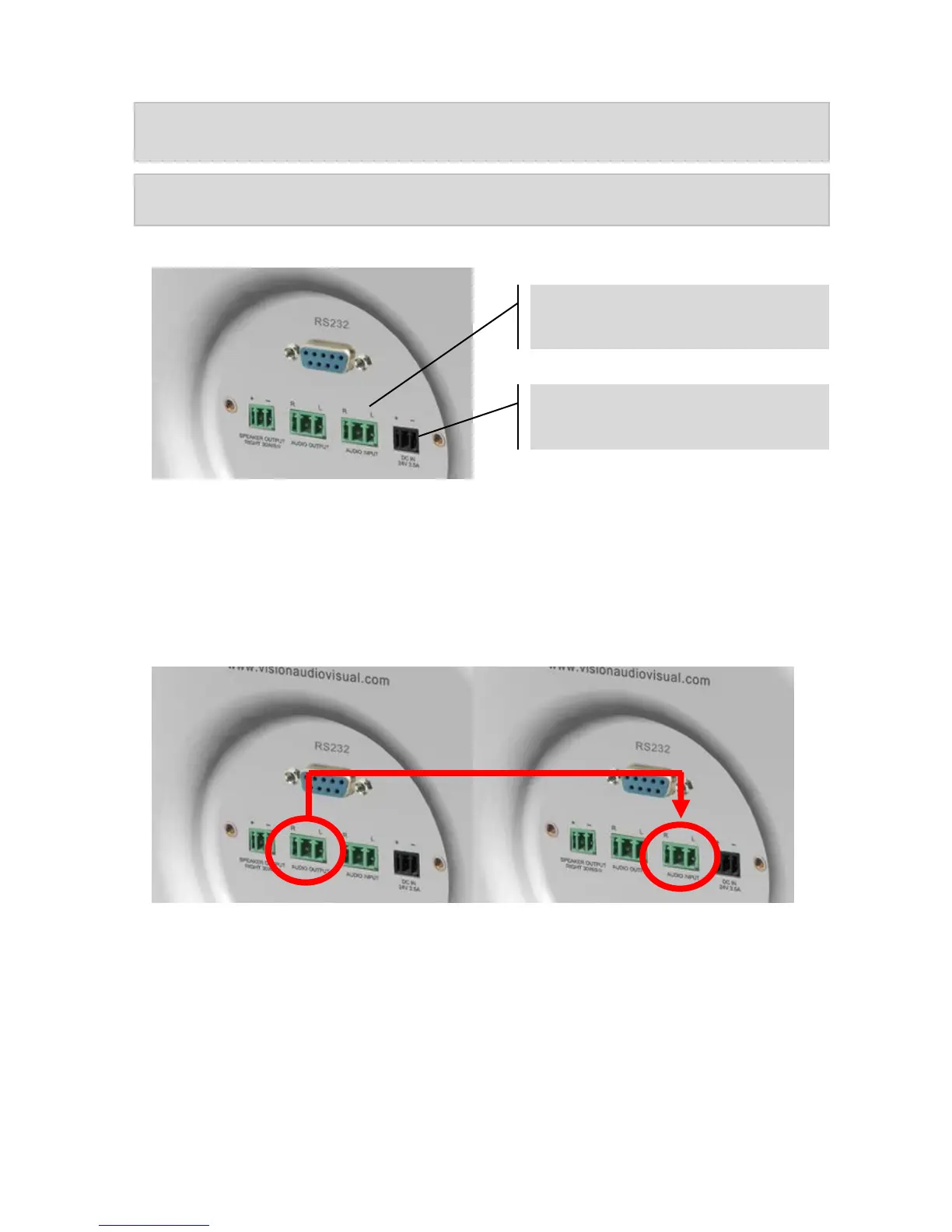
Note 1: Smartphones, laptops, DVDs etc connect to this input from their headphone or
line-level output jacks.
Note 2: If you will use only the Bluetooth input ignore this step.
7. CONNECT POWER Connect power into rear of master loudspeaker.
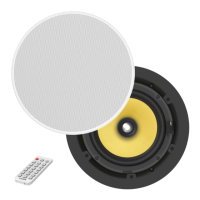
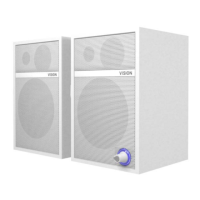
8. *OPTIONAL* CONNECT MORE SETS OF CS-1600P If using more than one pair of
loudspeakers in the room link them together by connecting the Audio output connector to
the audio input on the second pair.
1
st
Master Loudspeaker 2
nd
Master Loudspeaker
Vision offers Techconnect cable pre-terminated to make this connection:
5m (16.4 feet): TC2 5M3.5MM
10m (32.8 feet): TC2 10M3.5MM
15m (49.2 feet): TC2 15M3.5MM
20m (65.6 feet): TC2 20M3.5MM



 To Next Page