Printing Visioneer
®
Rabbit™ PC30dwn
User Guide
49
Watermarks
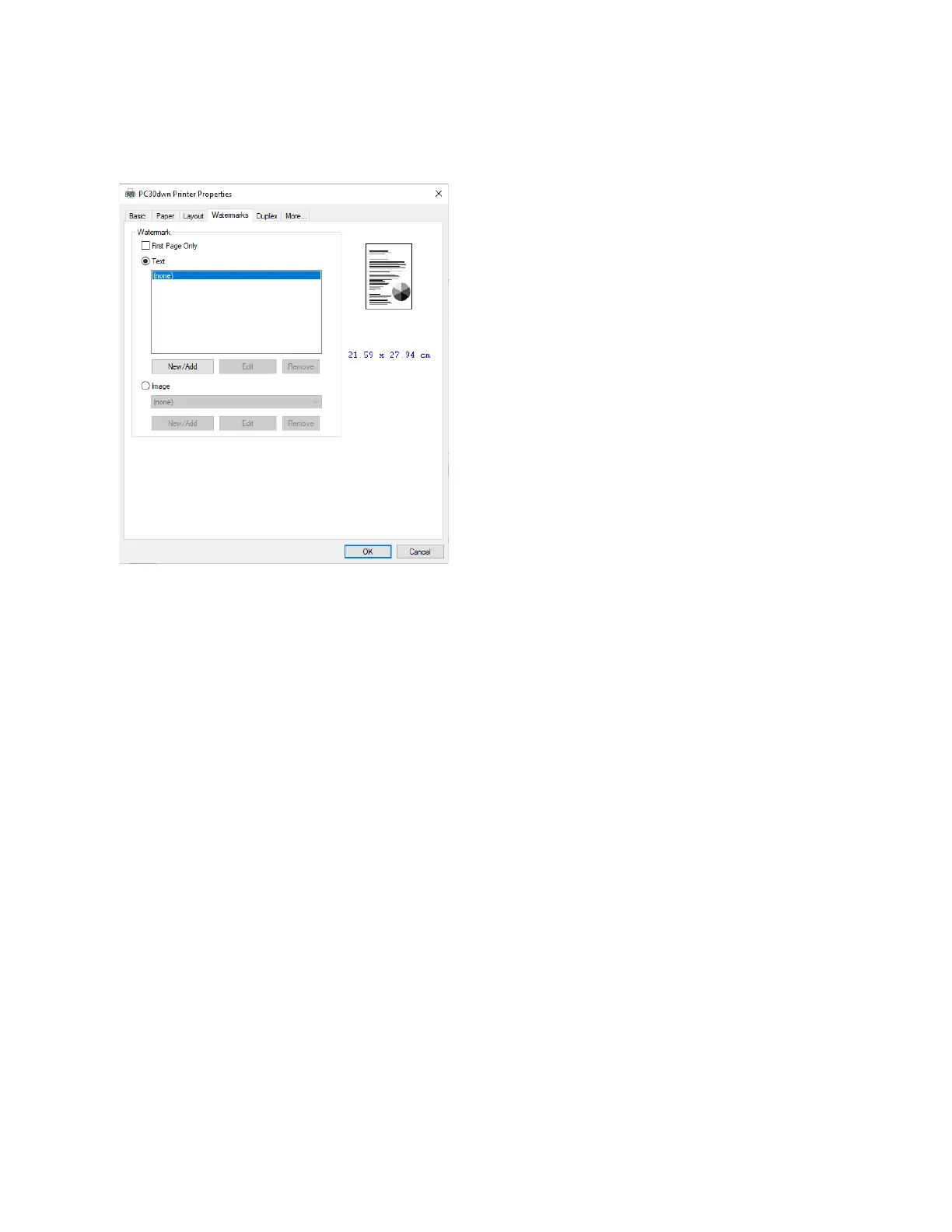
The Watermark tab allows you to add some text or image (such as Confidential, Important, Draft, etc) for
your document.
First Page Only — check the box to print the watermark on the first page only, otherwise the watermark
will print on all pages.
Text — select New/Add to add new watermark text. Click the Edit button to change or the Remove
button to delete.
Image — select New/Add to add watermark image. Click the Edit button to change or the Remove
button to delete. You can choose your image in file format such as BMP, TIFF, or JPEG.


 To Next Page