Visioneer
®
Rabbit™ PC30dwn Maintenance
68 User Guide
Do Not Do These
■
Never attempt installation of any part not described in this manual.
■
Never service the Visioneer
®
Rabbit™ PC30dwn near a radiator or any other heat source.
■
Never use aerosol sprays or compressed air, or attempt to lubricate parts with an oil or silicon spray.
■
Never service the Visioneer
®
Rabbit™ PC30dwn in an area where there are open liquid containers.
■
Never pour or spill liquid on the Visioneer
®
Rabbit™ PC30dwn or any of its components.
PRINTER STATUS MONITOR
The Printer Status Monitor allows you to monitor your printer’s status, get information on consumable
parts, and alerts you when printer errors occur. Printer Status Monitor is available when the printer is
connected directly to a host computer via the USB port or a network port. Printer Status Monitor is
installed when you install the printer driver as described in Install and Connect the device.
Access the Printer Status Monitor
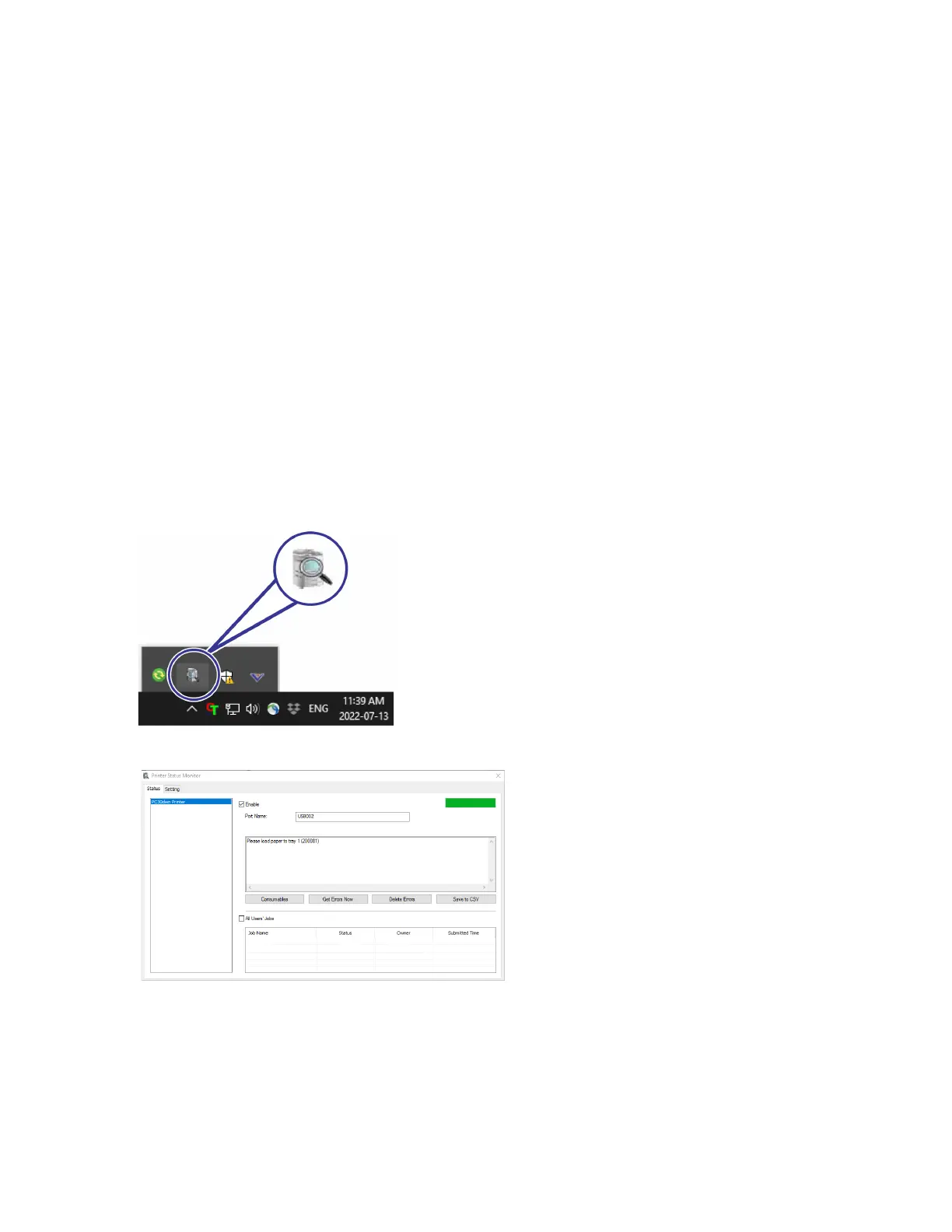
1. Double-click the Printer Status Monitor icon on the system tray.
2. The following printer status window appears.


 To Next Page