Set your Tablet PC
Charge the tablet PC
Note: to charge the battery under 0 -35 ambient temperature
Note: use only the power adapter that came with your Tablet PC for charging. Using
unauthorized power Adapter or Micro-USB cable can severely damage your tablet PC.
Note: batteries for new tablet PC are not fully charged.
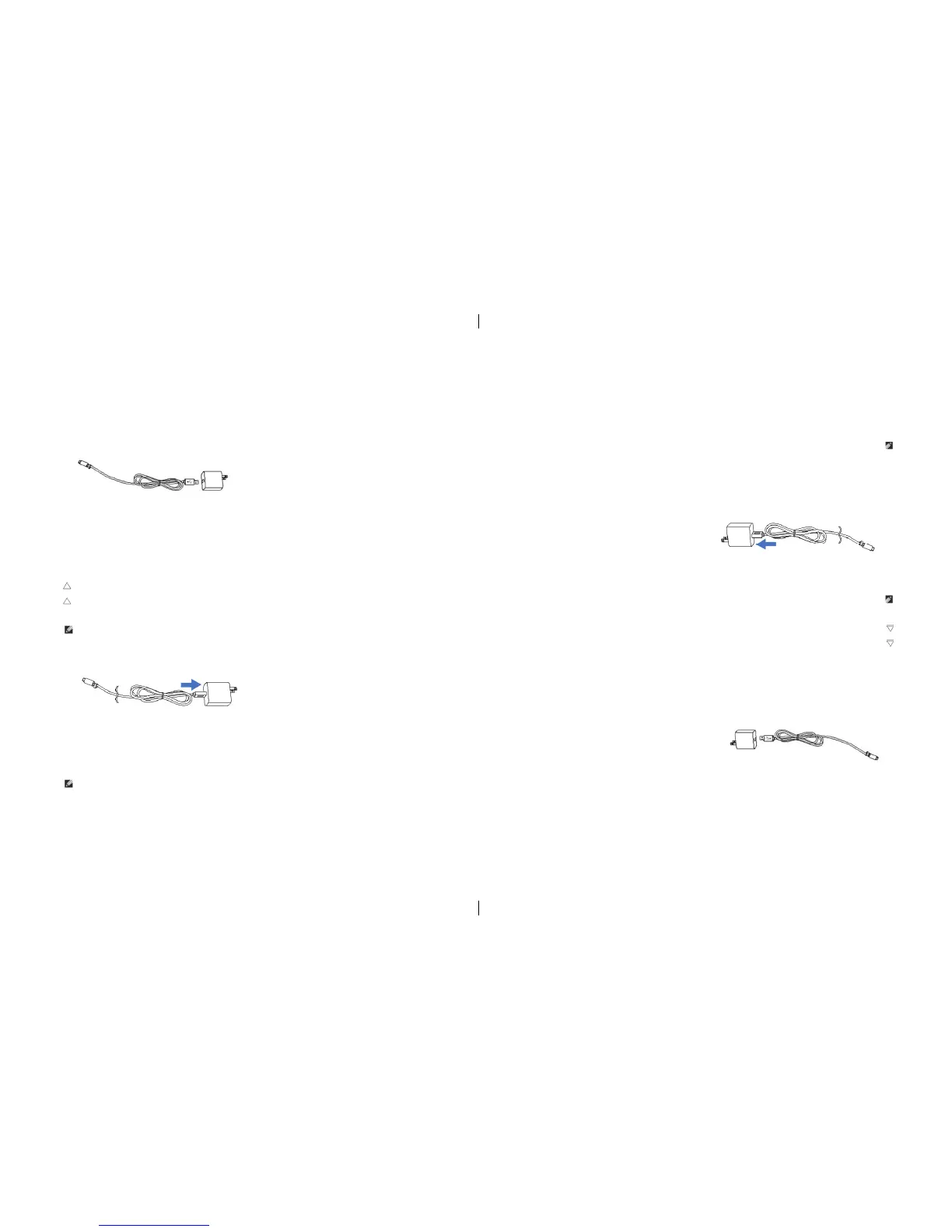
1. Connect the power cord to the power adapter.
2. Connect Micro-USB cable to the Micro-USB port on the Tablet PC.
3. Plug the power adapter into a power socket and to charge the Tablet, until the battery
is fully charged.
Description: It will take approximately 4 hours to charge the Battery. (When Shutting
down and charging the battery) while power on and charging the battery, the charging
time will be longer.
Charging accessories
A power adapter with 5V/2A and a Micro-USB connector supply power and charge the battery For Tablet PC.
Réglez votre Tablet PC
Chargez la tablette PC
Remarque: pour charger la batterie en dessous du température ambiante 0 à 35.
Note: ne utiliser que l’adaptateur secteur fourni avec votre Tablet PC. l’utilisation d’un
adaptateur non autorisé ou du câble Micro-USB peuvent gravement endommager votre tablette PC.
Remarque: les batteries de la nouvelle tablette PC ne sont pas complètement chargées.
1, Branchez le cordon d’alimentation à l’adaptateur d’alimentation.
2, Brancher le câble Micro-USB au port Micro-USB sur le Tablet PC.
3, Branchez l’adaptateur d’alimentation dans une prise pour charger la tablette, jusqu’à ce que la
batterie est complètement chargée.
Description: Ceci va prendre environ quatre heures pour recharger la batterie complètement. (Seulement si la
tablette est fermer) Si la tablette est allumé ceci va prendre plus long.
Accessoires pour charger
Un adaptateur 5V / 2A et un connecteur Micro-USB
pour charger la batterie du Tablet PC.
4
4


 To Next Page