Power off tablet
Using power button:
1. press power button no less than 4 seconds.
2. swipe shut down screen to the bottom of edge of LCD to turn off tablet.
Using super button:
1. Swipe from the right edge of the screen to access the super button icon .
touch settings power turn off tablet.
Off screen
Using power button:
Press power button lightly, screen can be off.
Using super button:
1. Swipe from the right edge of the screen to access the super button icon.
2. touch setting power Sleep to turn off the screen
Note : If your tablet is in standby ( Tablet is turned on , but screen at
the closed state ) , press the power button or the Windows button to turn on the screen.
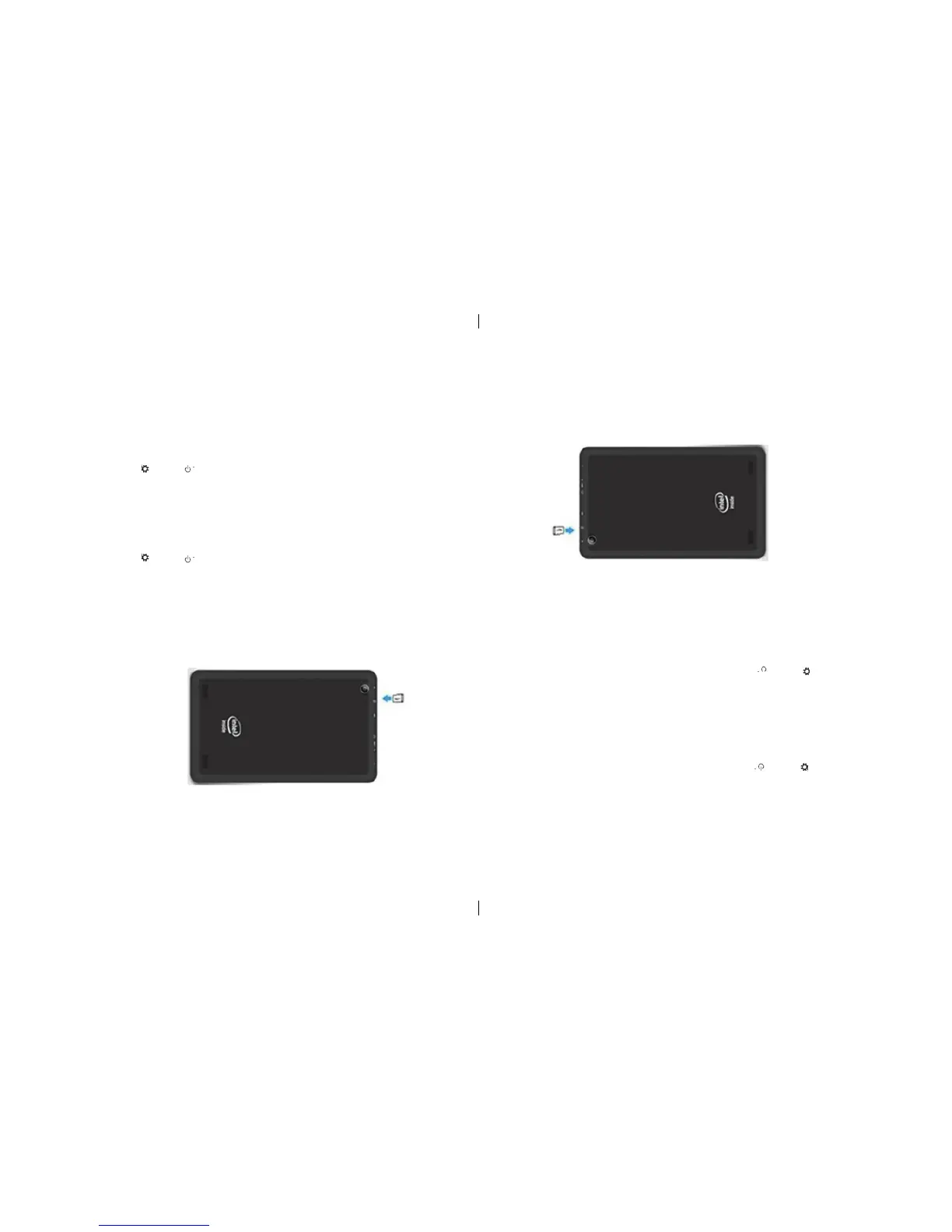
Insert micro SD card:
1. open USB cover which installed on back cover
2. find rabbet correct direction for SD card.
3. insert micro SD card into rabbet.
4. close USB cover.
Éteignez la tablette
En utilisant le bouton d’alimentation:
1 Pousser le bouton d’alimentation en dedans de quatre secondes.
2 Glisser arrêté écran au fond du bord de LCD pour éteindre la tablette.
Avec le bouton super:
1 Faites glisser du coté droite de l’écran pour accéder à l’icône du bouton de super.
réglages tactiles power désactiver la tablette.
hors de l’écran
En utilisant le bouton d’alimentation:
Appuyez sur le bouton d’alimentation légère, écran peut être éteint.
Avec le bouton super:
1 Faites glisser du coté droite de l’écran pour accéder à l’icône du bouton de super.
2 réglage tactile power Dormir pour éteindre l’écran
Remarque: Si votre tablette est en veille (Tablet est allumé, mais l’écran à l’état fermé), appuyez sur le bouton
d’alimentation ou sur la touche Windows pour allumer l’écran.
Insérez la carte micro SD:
1 Ouvrez le capot USB qui a installé sur la couverture arrière
2insérer la carte micro SD. 3 Fermer le couvercle USB.
6
6


 To Next Page