VitaScan LT
User and Service Manual
Note:
If the PC has more than one USB port, please connect the probe to each dierent USB
port while you are logged in as an “Administrator”. The USB driver will be automatically
installed and the probe well recognized on whatever port it could be connected. The driver
installation will not occur automatically if you are not logged in as an “Administrator”. The
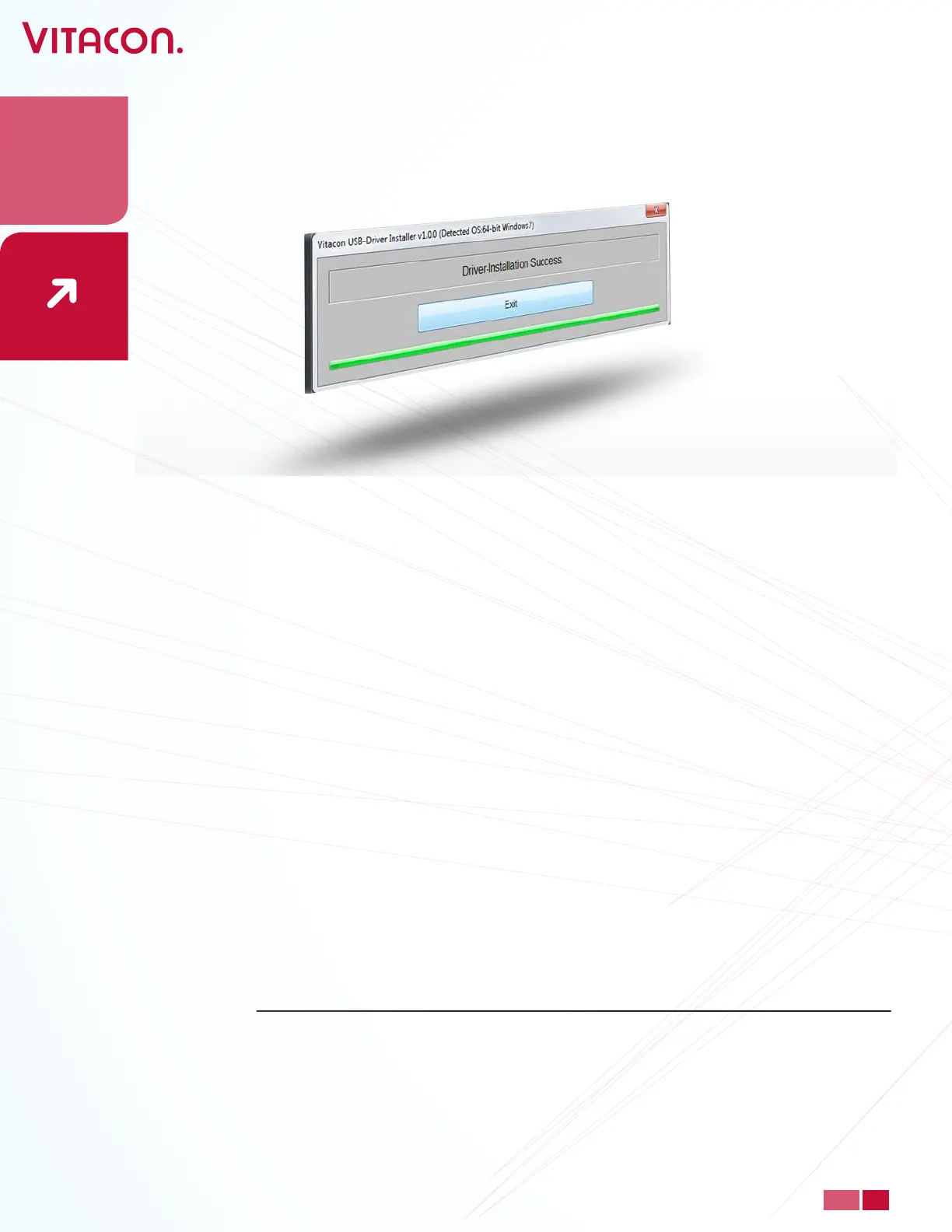
USB driver installation takes some time, please wait for Windows to display a successful
installation message for each USB port.
• Press ‘Exit’, to end the installation process.
18
PAGE
www.vitacon.com


 To Next Page