VitaScan LT
User and Service Manual
Run VitaScan LT applicaon
• Make sure the VitaScan v.2 probe is inserted to the computer USB port.
• Press the VitaScan LT Icon on your Desktop to start the application.
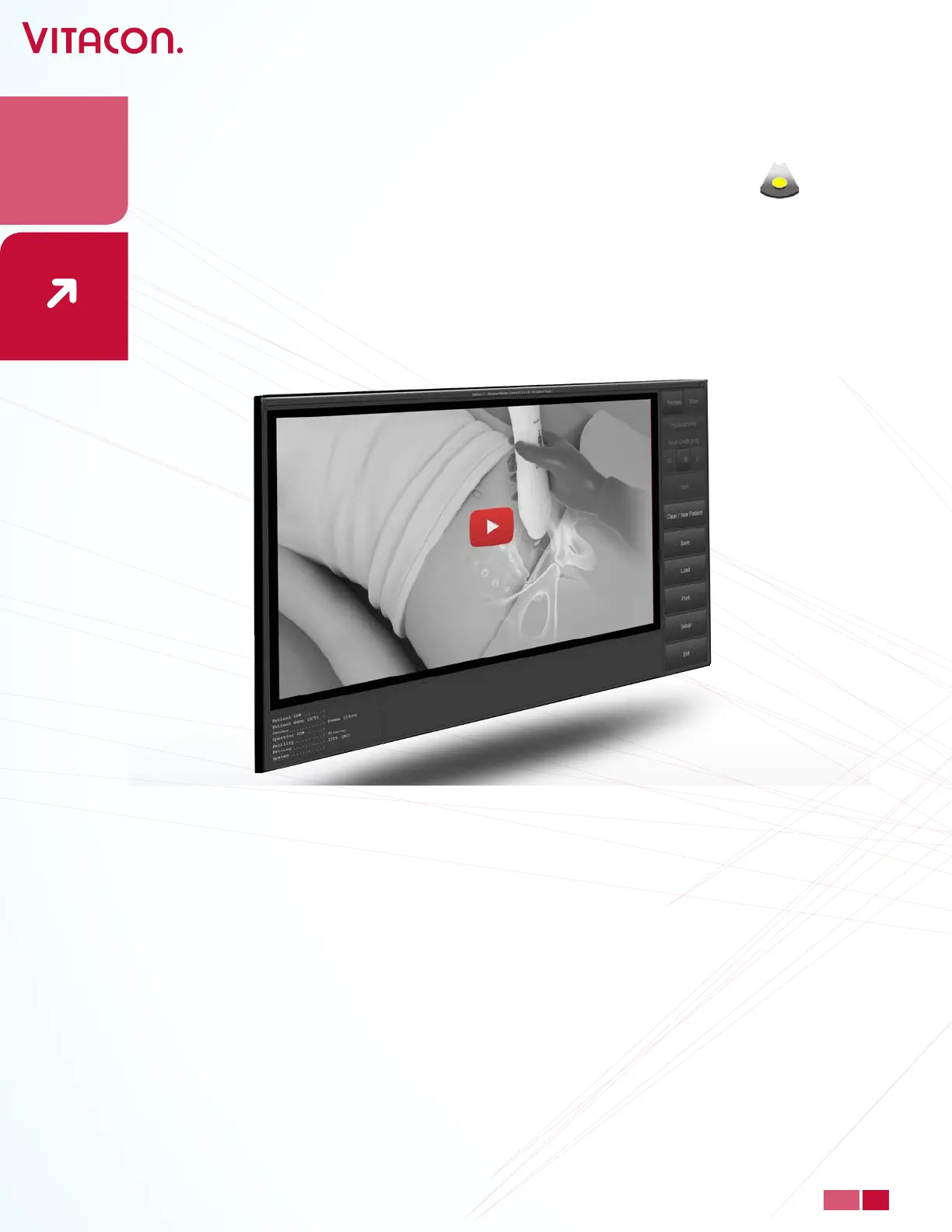
• All users should view a 2 minute user guide video “How to perform a successful scan”
before proceeding. Press play button to start user instruction video. To watch video in
other languages; go to setup and change to preferred operational language.
• Easy-Mode will estimate bladder volume from Pre-Scan with typical < 20% accuracy.
• Before scanning, select Setup. In Setup, you can congure your application.
o Set Patient ID, date of birth, facility, set pc and probe serial number.
o Set Number of Scan. Choose between 6, 12 or 24 slices
o Select Language.
o Password – see page 31
o Enable Phantom mode when scanning on Vitacon phantom.
o Easy-Mode utilize measurement in 1 slice (Horizontal) only
Live-Update utilize live update of volume readings
o Manual Measurement of measured volume. Utilize correction of 2 slices –Vertical
and Horizontal slices.
o Residual Calculation utilize saving of pre-void result and post voided result to
calculate voided volume
20
PAGE
www.vitacon.com


 To Next Page