VitaScan LT
User and Service Manual
Scanning on Vitacon Phantom
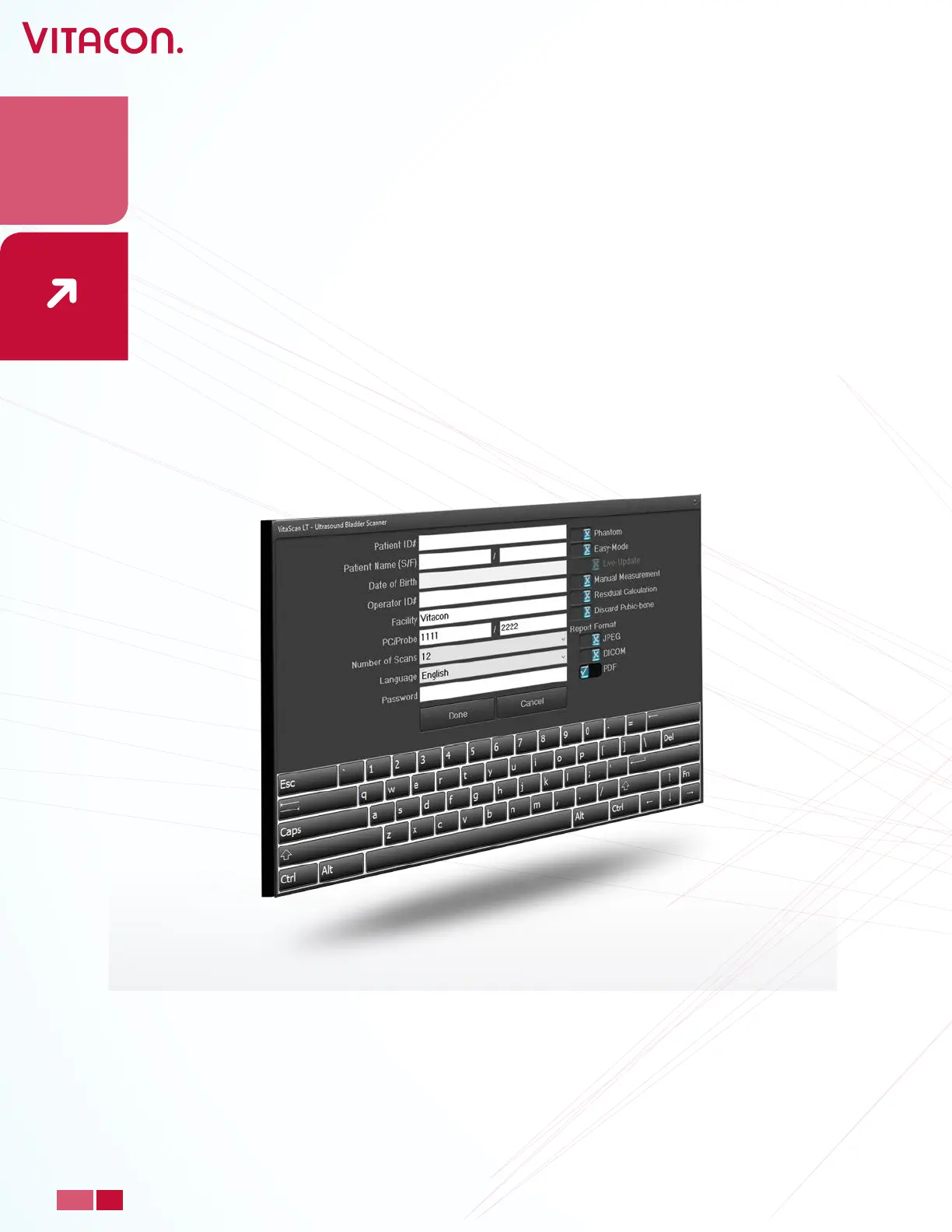
• Before scanning on a Vitacon Phantom enable the “Phantom” box under “Setup”. The
Phantom box is disabled as a default setting. I.e. the Phantom box will be turned o
when “Setup” is selected or the VitaScan LT application is started.
Discard Pubic bone
• In setup Discard Pubic bone function can be turned o. (By default set to on).
When this fuction is enabled: sectors around pubic bone area will not be used in
volumed calculation. This ensures the user will not get a pubic bone interference and
recuses the risk to overestimation.
29
PAGE
www.vitacon.com


 To Next Page