VitaScan LT
User and Service Manual
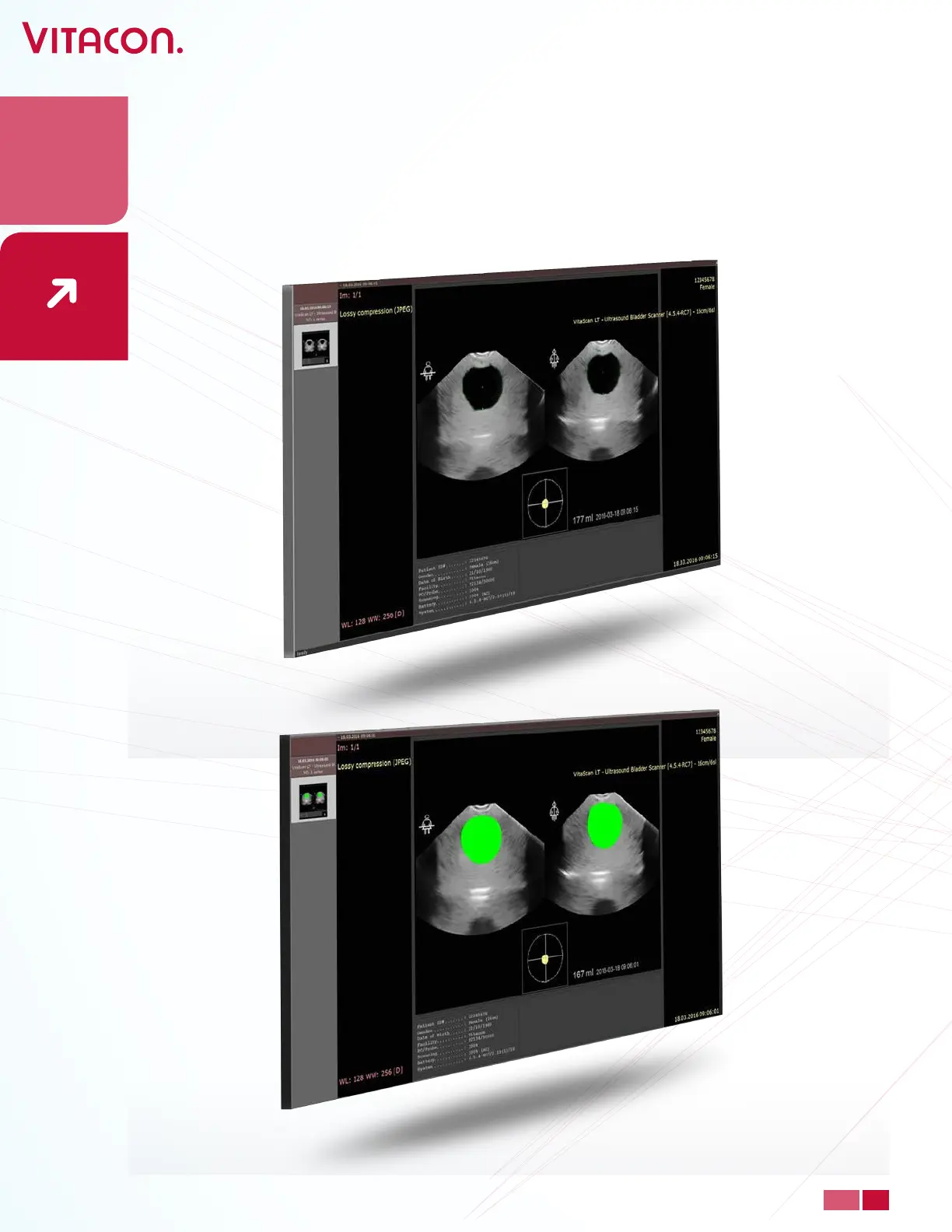
• When Dicom is selected as report format in Setup. User has to press Save to generate
a report. Dicom le will contain the following Dicom attributes: PatientID: “as in setup”,
Patient Birth Date: “as in setup”, Patient Sex: “as selected”, Study Date: “Current Date”,
Study Time:” Current Time”, Study Modality: “XC”, Study Description: “VitaScan LT –
Ultrasound Bladder Scanner”. And an image of results, transversal image and sagittal
plain is displayed.
28
PAGE
www.vitacon.com


 To Next Page