VitaScan LT
User and Service Manual
• To exit the application press “Exit” and “Yes”.
• The result can also be printed by pressing “Print”. It will give you the option to select a
printer and chose if you want to print the picture in a landscape or normal orientation.
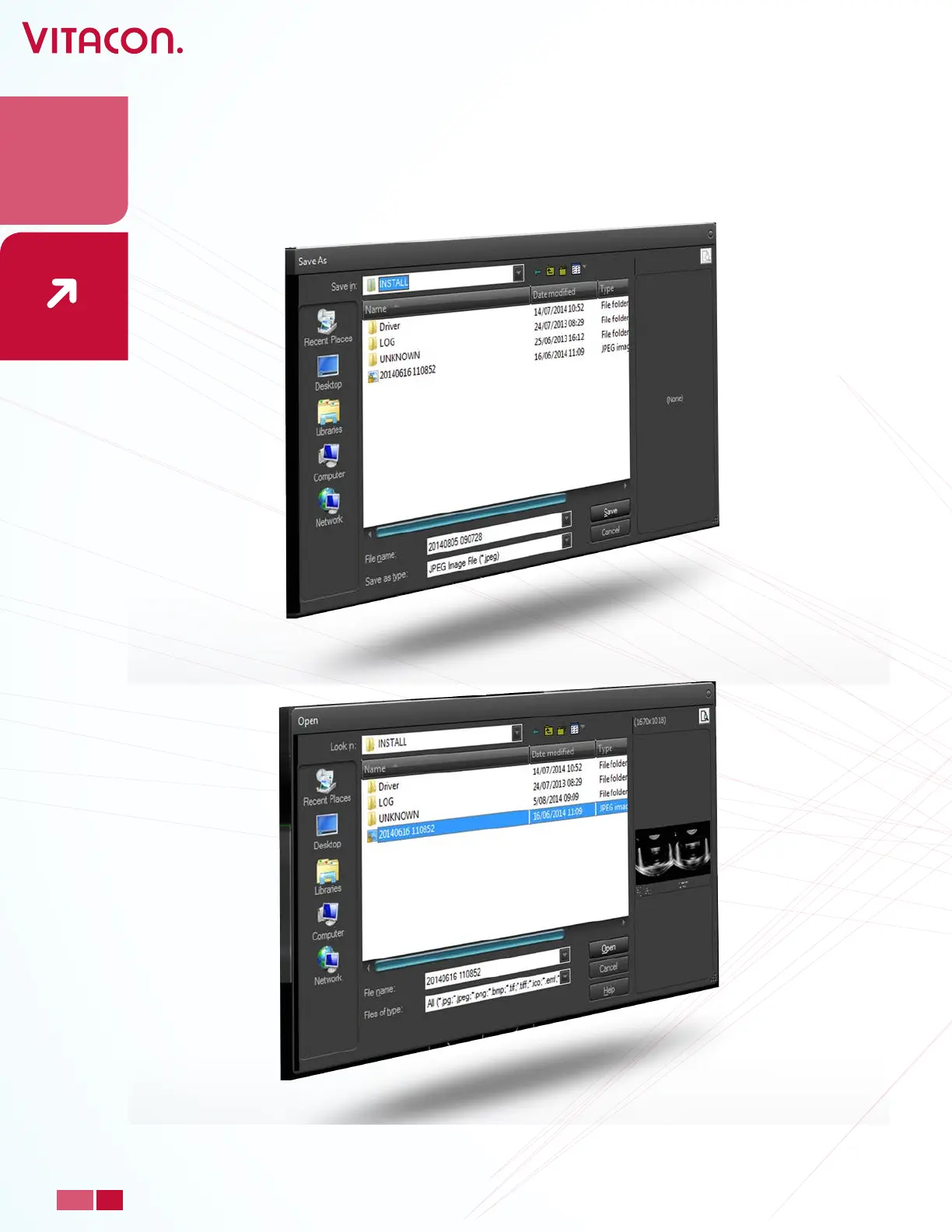
• To load an old scan, press, “Load” and select the scan you want to see. It will load the
picture from the hard disk.
27
PAGE
www.vitacon.com


 To Next Page