VitaScan LT
User and Service Manual
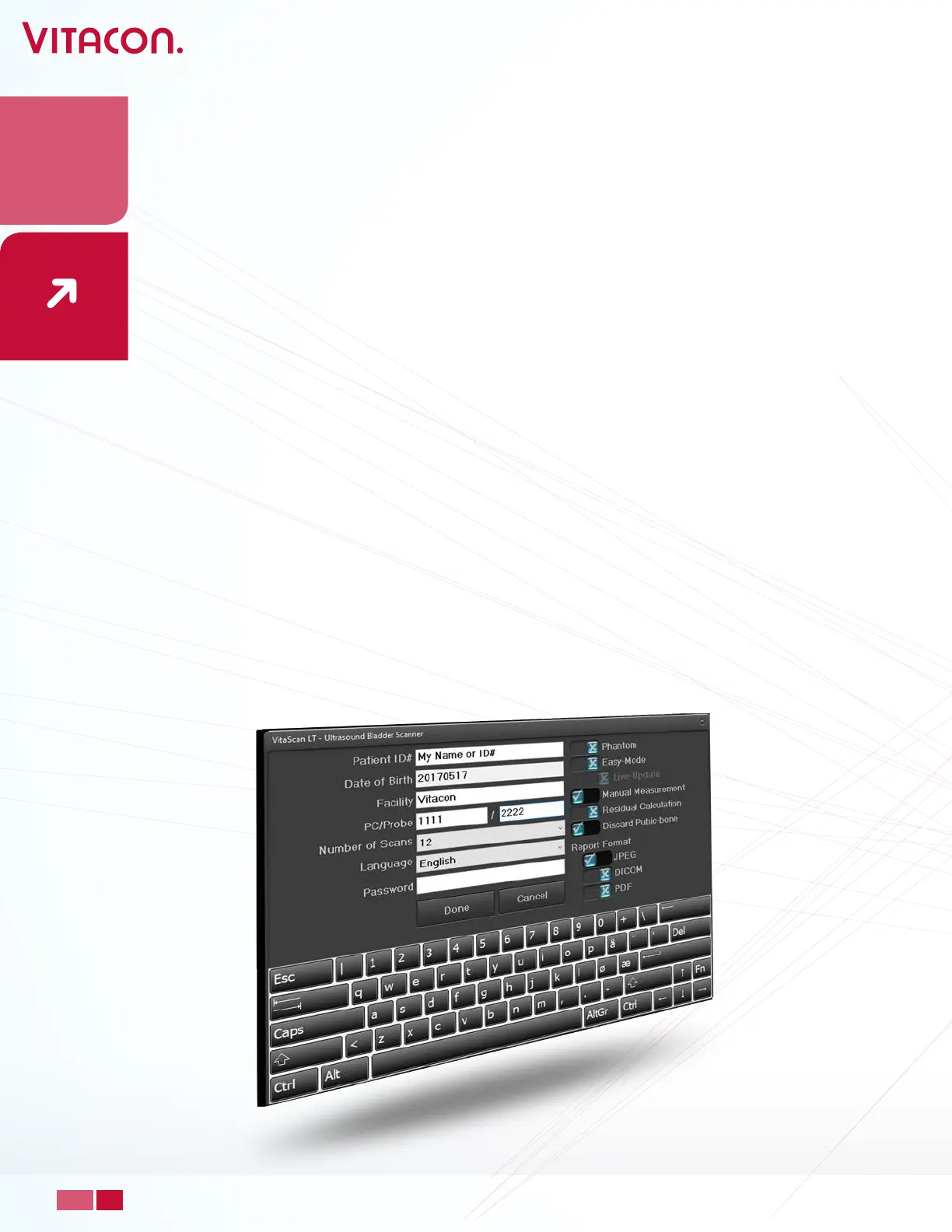
o Set Report Format:
JPEG: Saving a test report as JPEG
PDF: Saving a test report as PDF
DICOM: Saves a test report as DICOM le with these DICOM attributes:
• PatientID: “as in setup”
• Patient Birth Date: “as in setup”
• Patient Sex: “as selected”
• Study Date: “Current Date”
• Study Time:” Current Time”
• Study Modality: “XC”
• Study Description: “VitaScan LT – Ultrasound Bladder Scanner”
• By default, on power up, the gender will be “Female” and scan depth is set to 16 cm.
• Select Male or Female without/with Hysterectomy.
• Scan Depth (cm) options:
o 10 cm: designed for paediatric
o 16 cm: designed for adults (default)
o 23 cm: designed for obese
• Press the “Start” to start pre-scan to locate the bladder.
21
PAGE
www.vitacon.com


 To Next Page