VitaScan LT
User and Service Manual
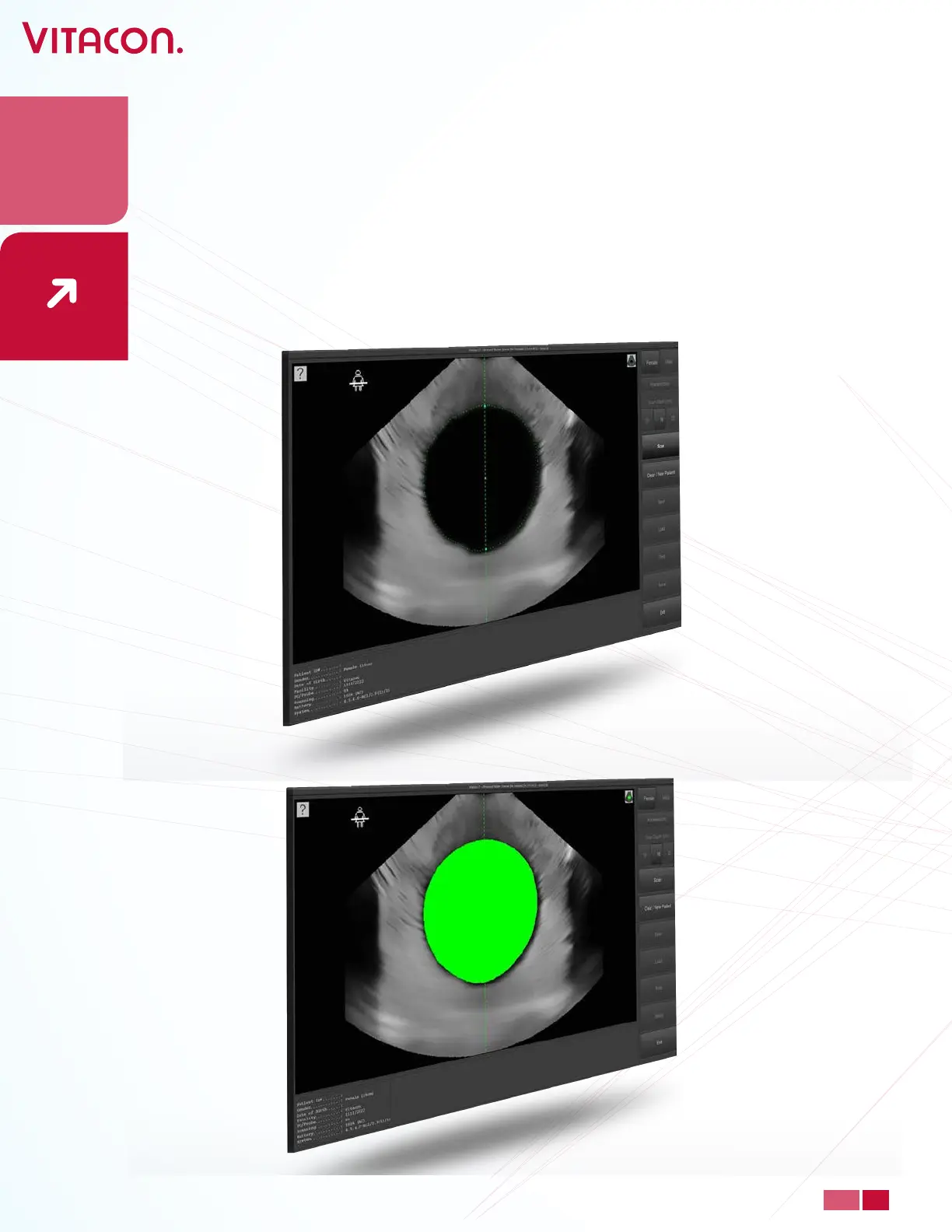
• When you have located the bladder, as in the picture above, press “Scan” to start
scanning. NOTE: Do not move the VitaScan probe until scanning is 100% done.
• The results will appear as shown below. The left picture shows the horizontal scan, and
the right picture shows the vertical scan. The lower cross hair picture shows the top
view of the bladder in yellow.
• The cross hair will display a guiding arrow in what direction the user will have to move
or tilt the probe for a more accurate scan. When the cross hair manages to hit the
bladder, the system is satised with the result. NOTE: For optimal result, the cross hair
should hit center of the bladder.
22
PAGE
www.vitacon.com


 To Next Page