12Page of 36
ENG
DT_0006 Issue 15
A Global Leader in Respiratory Solutions
3.5. Calibration Verication
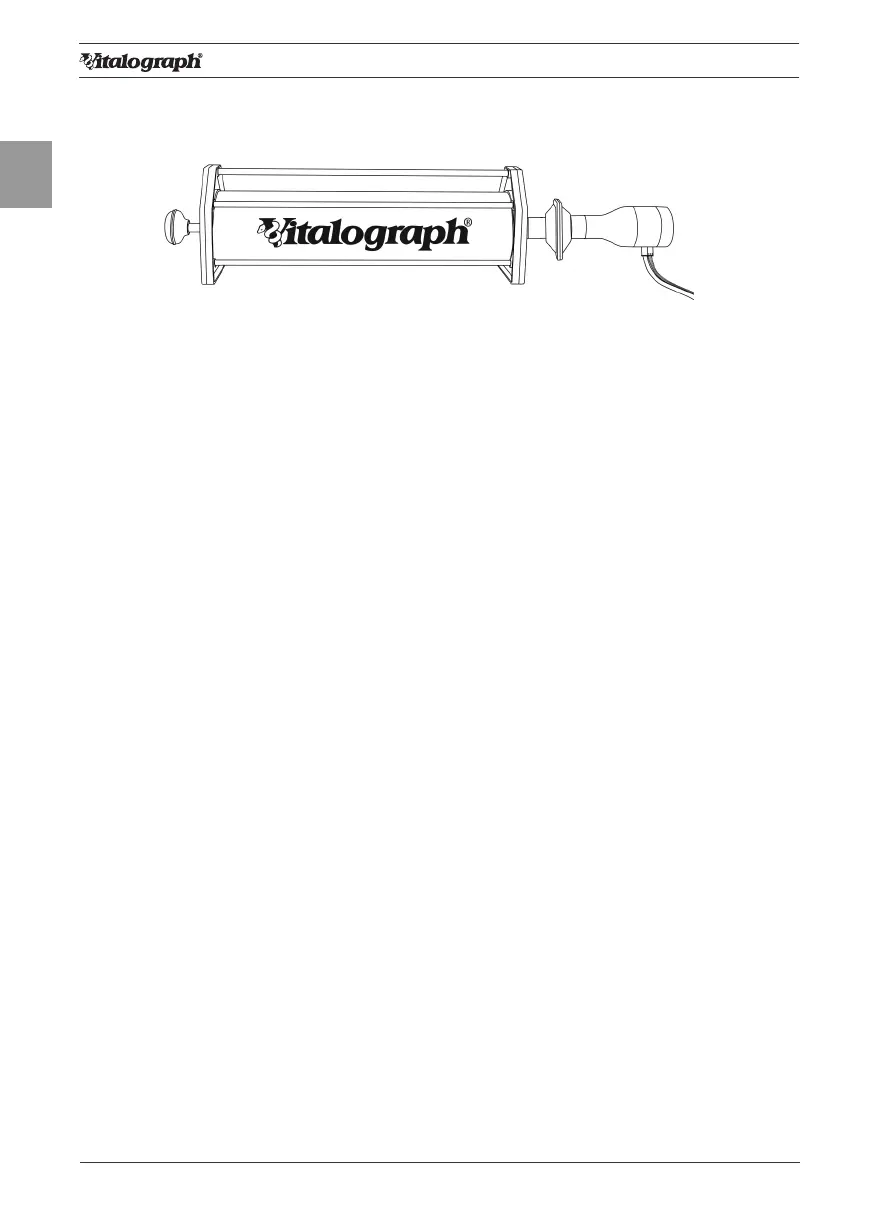
• Attach owhead to the syringe with a BVF tted as per gure 4.
Figure 4: Verifying Calibration
• Select ‘Accuracy Check’ from the Main Menu using the keypad.
• Enter the Syringe volume and reference using the touch panel keypad.
• Depending on how the device is congured, follow prompts to enter the
ambient temperature, humidity (0-99%), pressure (25-31 inHg or 850-
1060 hPa-mbar) and altitude (1-8500m). Enter these values using the
touch panel or keypad.
• Pump air through the owhead to bring it to ambient temperature.
• If the owhead has very recently been used for testing or has come
from a cold environment, its temperature should be equilibrated with
ambient by pumping air through it from the syringe several times.
• Press the ‘Enter’ key to open the Accuracy Check screen and follow the
on-screen instructions.
• If an Accuracy Check report is required, select the Report option.
• Press the ‘C’ key to exit the Accuracy Check screen and return to the
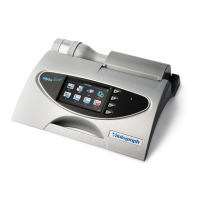
Main Menu. The accuracy check will not be logged to the Vitalograph
ALPHA Touch memory in this case.
Note: If the device is outside calibration, the user is offered the option to update
calibration. Selecting to update calibration repeats the accuracy check routine on
the device.
3.6. Conguration Options
There are a number of Conguration options available on the Vitalograph
ALPHA Touch device. To access these, select the ‘Conguration’ option on the
Main Menu. The options available are:
3.6.1. Test Preferences
The following options are available to congure the test screen to your
requirements:
• FVC Display: Select to show F/V (Flow-Volume) or V/T (Volume-
Time) Graph by default in the FVC test screen. Select the required
option from the drop down menu.
• VC Display: Select to show the Bar Graph or V/T (Volume-Time)
Graph by default in the VC test screen.


 To Next Page