MGW Ace Decoder HEVC Decoding Appliance
User Manual, Version 1.0 24
Input Channel Configuration
Adding a SAP Channel
MGW Ace Decoder allows to manually enter the parameters of a channel.
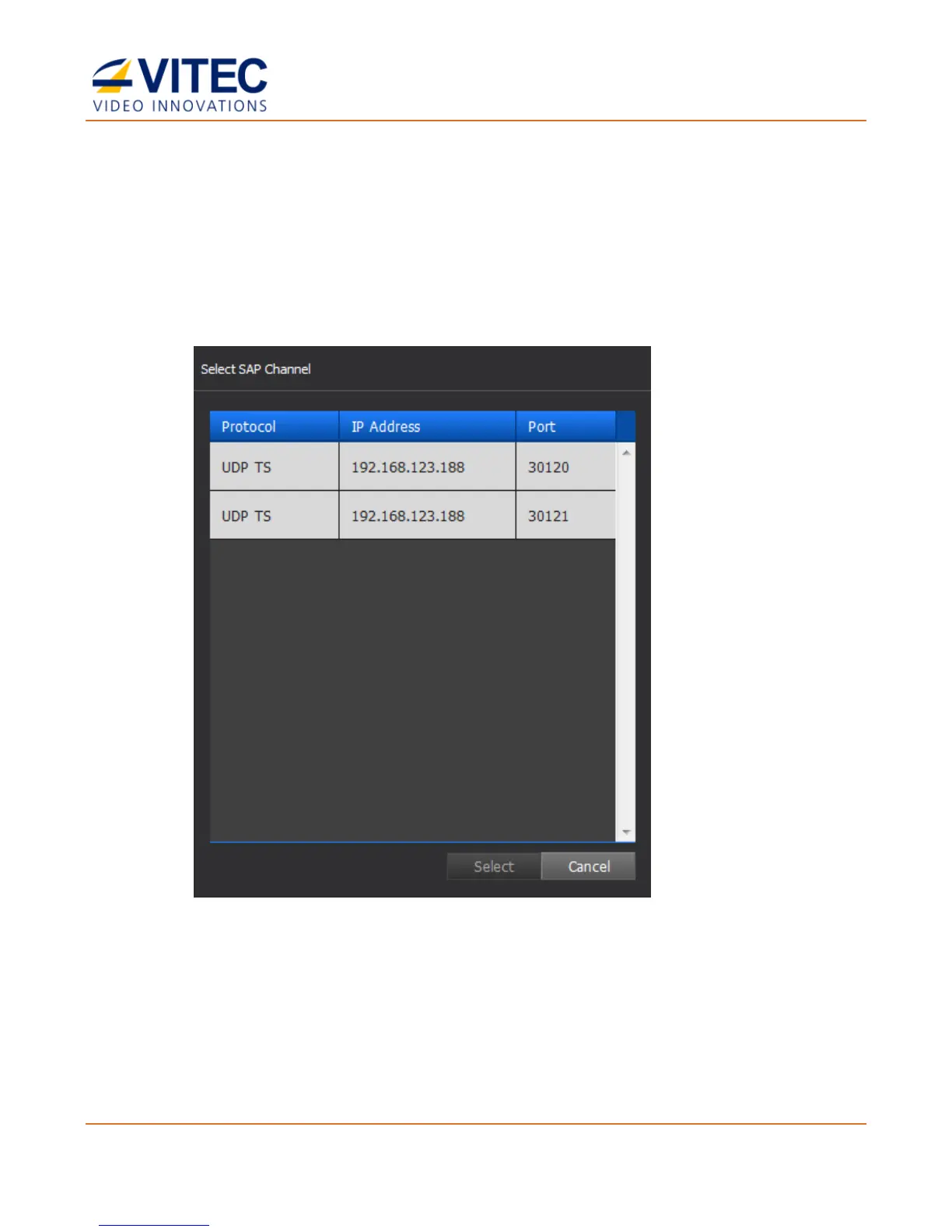
MGW Ace Decoder supports the Session Announcement Protocol (SAP) to detect and select
SAP channel for auto configuration.
1. To detect SAP channels, click SAP in the Input Channel Configuration page.
2. Select the desired channel row, and click Select.
3. The input channel configuration is now populated, add a Channel Name if required
(optional parameter).



 To Next Page