MGW Ace Decoder HEVC Decoding Appliance
User Manual, Version 1.0 36
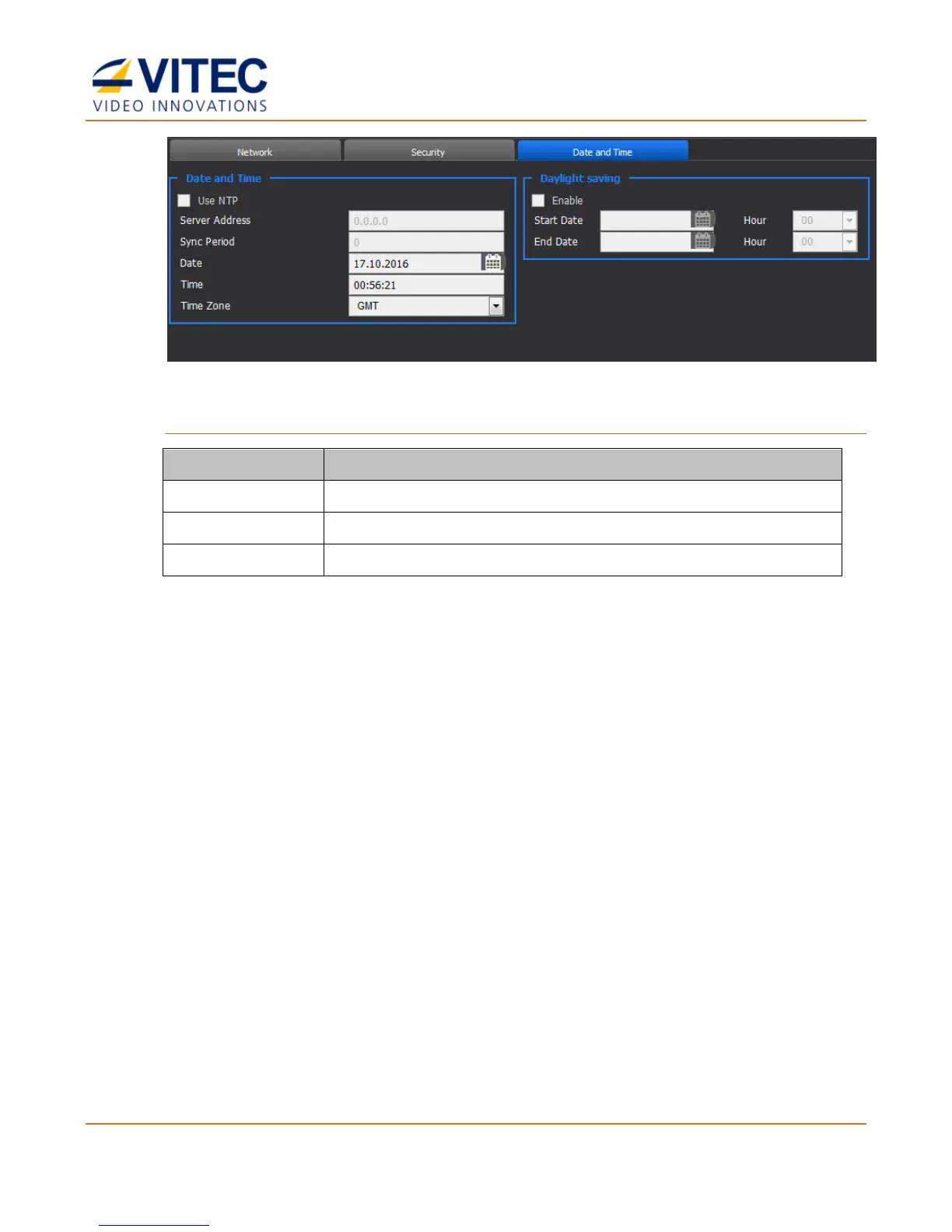
Figure 4-11: The Date and Time page
To set Daylight saving:
Select the box to enable daylight saving.
Set the daylight saving start date.
Set the daylight saving end date.
The Event Log Page
In the Event Log page you can view the log of events and export them.
Feature to be available in future releases of MGW Ace Decoder.



 To Next Page