15 MicroLinks Technology Co., Ltd.
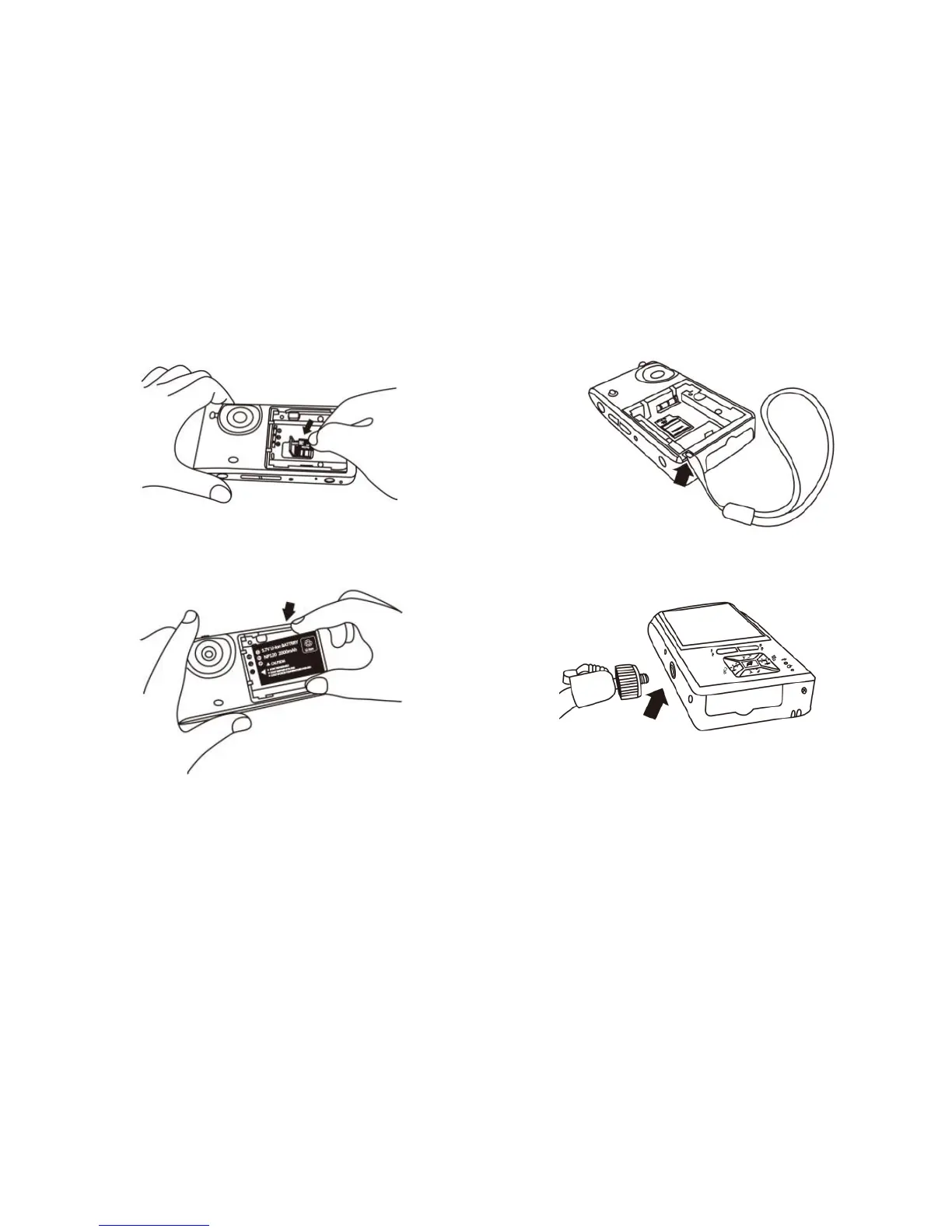
(5) Install Battery: remove the battery cover and input the battery
by placing the written face up and complying with positive
and negative poles correctly. Close battery cover finally.
Please refer to the following image.
(6) Install Wrist Strap: Remove battery cover. Hang the wrist strap
on the hook, then close the battery cover. Please refer to the
following image.
(7) Install Rack: there is a screw hole at the bottom of microscope
host. Lock screw head of rack into the hole at the bottom of
host to fix the machine. Please refer to the following image.



 To Next Page