5 MicroLinks Technology Co., Ltd.
(2) Flush-way: there are only two focuses in flush observation.
Adjust Focus button by turning left for low rate (10x) or
turning right for high rate (40x) to observe. Turn left to get
smaller rate and right for larger one. Adjust the button of
Focus and move the symbol of rate on the button to the middle.
Then, adjust slightly to get the clearest image. In the way of
flushing, the observed article shall be plane without any
concavo or convex. Otherwise, the symbol cannot be placed in
the middle, nor the scale can be displayed correctly.
(3) Long Shot ( ): Adjust Focus button to move symbol
of to the middle position, then slightly adjust it to get the
most clear image. After focusing, shoot or photograph as the
way of camera. In the long shot, you can choose the mode of
camera [please refer to (C) of item (1) of Section 1.4].
1.4 Program Functions of Microscope
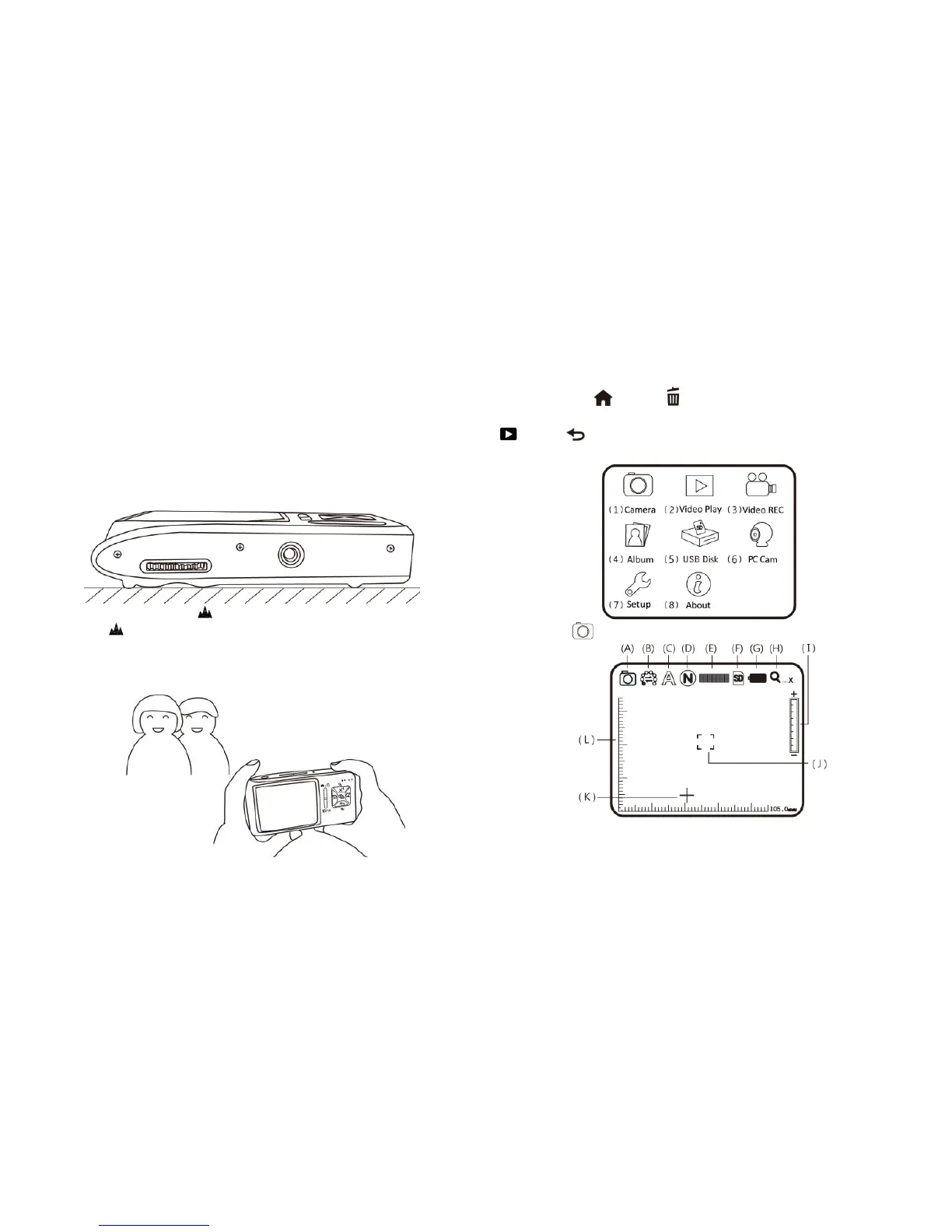
There are 8 function modes in the program interface. Press
Function Menu /Delete button to switch functional modes
in the Camera. In other modes, press the button of Preview Photo
/Back to back to the Menu and switch function as
displayed in the following image:
(1) Camera : the mode of observing.
Please refer to the following image. Small presentations in the
following image are used to representing function modes of



 To Next Page