18 MicroLinks Technology Co., Ltd.
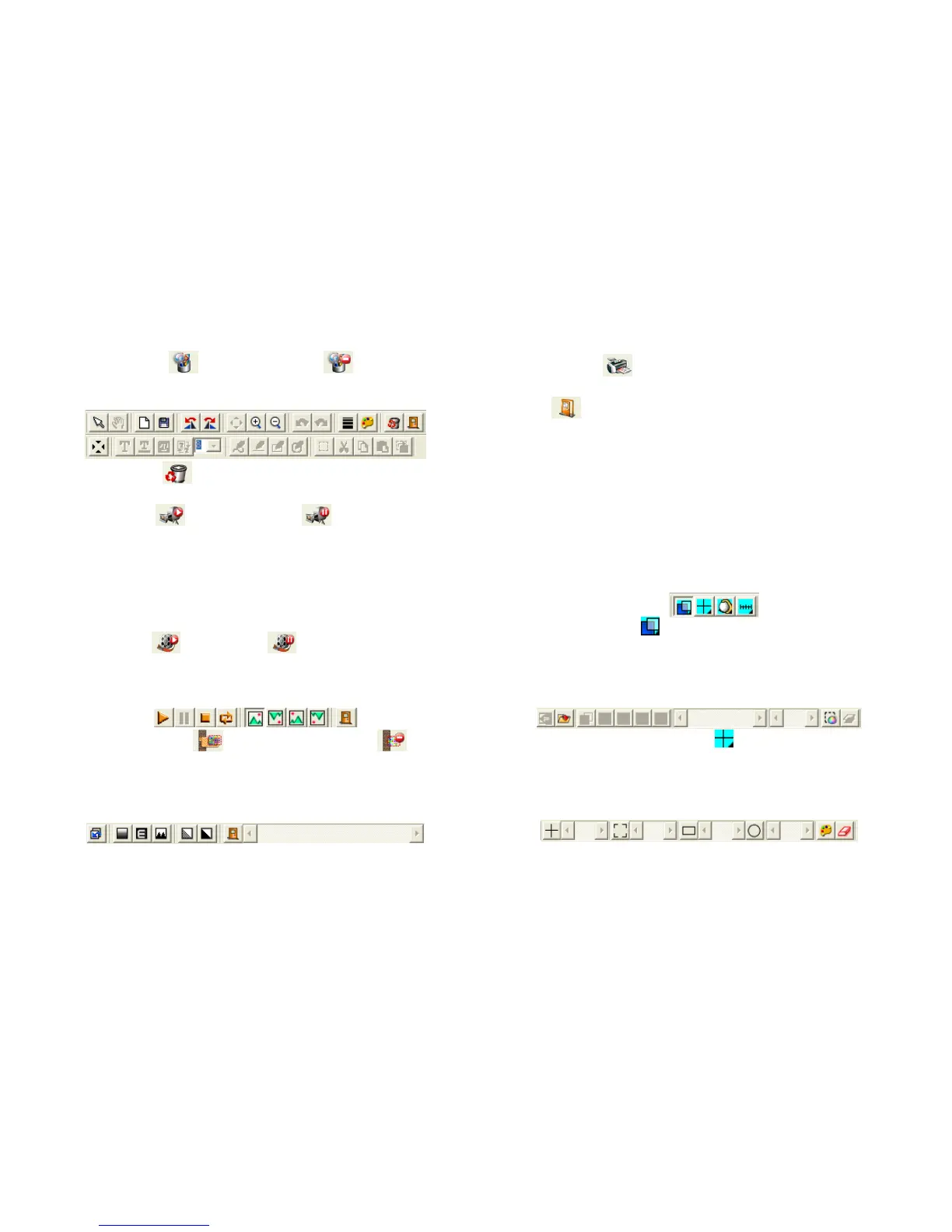
(4) Image Edition /Quit Image Edition : to enter or quit
Image Edition function. After entering, tools of image edition
are listed below Images Preview Window as follows:
(5) Delete Image : press the button to delete image displayed
in the preview window.
(6) Video REC /Stop Video REC : to record or stop
recording video. Recorded video information will be displayed
in Video Information Preview Window. You can set
compressed coding way by clicking and selecting “Set->Video
Information Compression” in the Main Menu. The user is
suggested install DivX encoder to achieve better compression
results and quality.
(7) Video Play /Stop Playing : to play or stop playing
video. Video information of played files will be displayed in
Video Information Preview Window. Playing tools are listed
below the preview window as follows:
(8) Image Processing /Quit Image Processing : image
processing include reversed video, grey scale, black and white,
edge detection and other basic functions. After entering Image
Processing model, tools will be displayed below Images
Preview Window as follows:
(9) Print Images : print images displayed in Images Preview
Window.
(10) Quit : close the Application Program.
3.5 Files List
Files List is primarily applied to list all current files contained in
folders. Select BMP, JPG or AVI to view saved images/videos.
3.6 Special Functional Modules
Start Application Program and connect them. Then tools of Special
Function Modules will be showed below Video Information
Preview Window including comparison, center concentration,
image control and measurement as follows:
(1) Comparison Model : observe similarity of compared images
through overlapping and half-half comparison. Before using
the model, please load the image for application of other
functions. For tools of comparison model, please refer to the
following image:
(2) Center Concentration Model : the model provides 4
different center concentrations including cross, scope,
rectangle and circular to aim at shot objects as an auxiliary
function. Please refer to the following image for tools of the
model.



 To Next Page