Vivint — User Guide
- 28 -
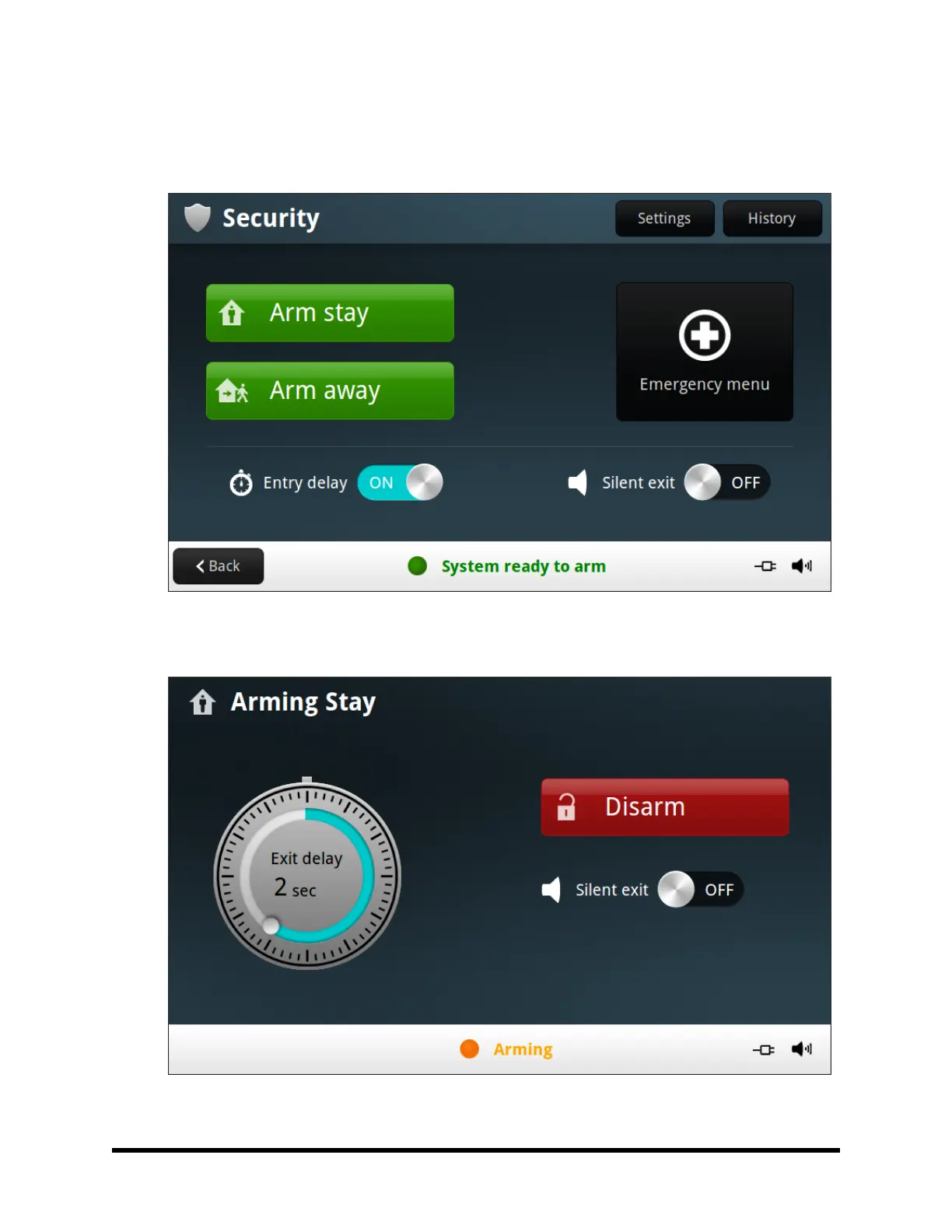
4. At the Security screen, you can enable the Entry Delay option. The system can be armed without an
Entry Delay. All perimeter doors trigger the alarm instantly. The system has to be disarmed with a wire-
less key fob. (To arm the system with all exit/entry perimeter doors as instant, disable the Entry Delay
option.)
5. Press Arm Away to arm the system. (NOTE: To arm the system, you may need to enter a User PIN code
if your Technician has turned off the system’s Quick Arming feature.)
6. The system will arm and shows the Exit Delay counting down.



 To Next Page