2 Getting Started
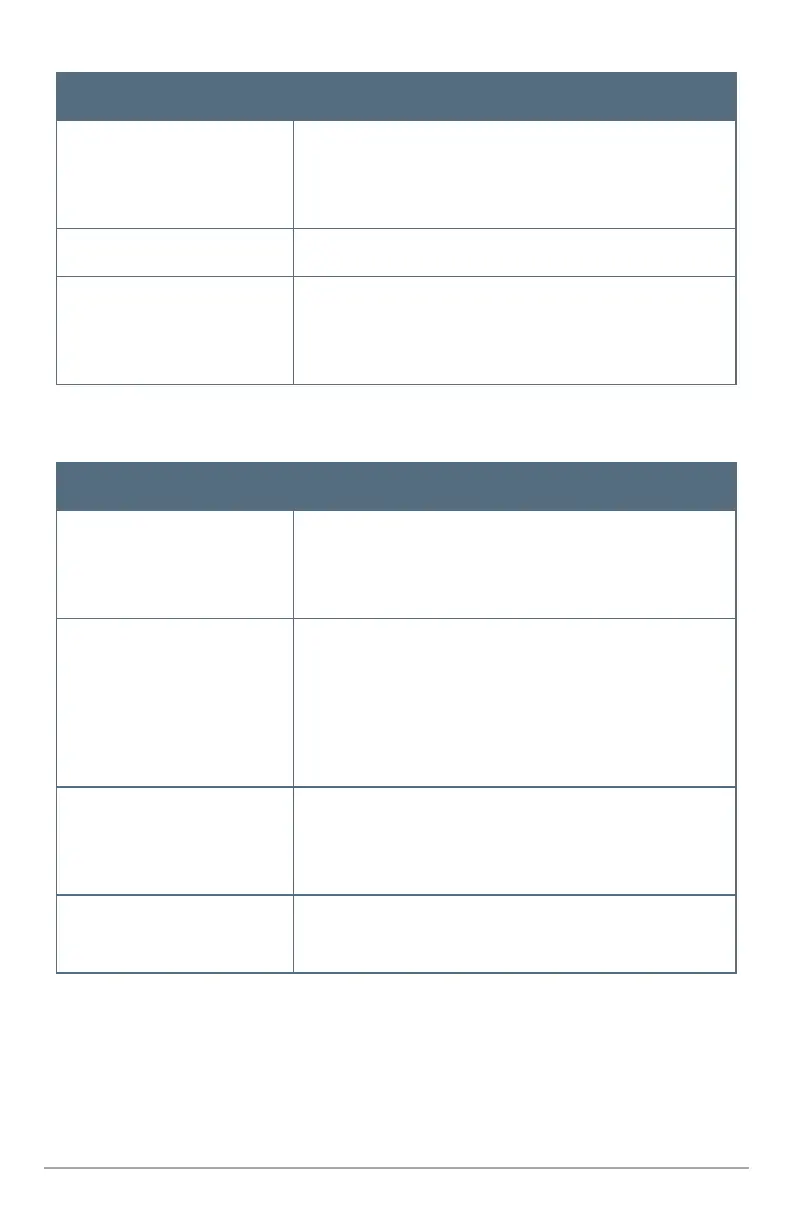
Home Security task Quick steps ► For detailed descriptions
Acknowledge and clear
trouble alerts
WhentheAlertsicondisplaysatthetopofthescreen,press
theicon,readthealert,andaddresstheissue.
►See"TroubleAlertsandMessages"onpage23
Understand status icons ►See"StatusIcons"onpage8
View system activity PressDevices>History.(Hint:Usefilterstospecifyevent
types.)
►See"ViewingSystemActivity"onpage30
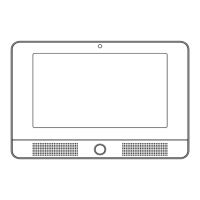
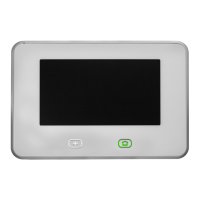
At the panel, How Do I...
Home Automation task Quick steps ► For detailed descriptions
Lock and unlock doors PressDevices>Door Locks>andaspecificdoortolock
andunlockthedoor.
►See"HomeAutomation"onpage18
Watch camera views and
videos
PressCameras>andaspecificcameratoseeitsliveview.
PressContinuously Recorded Videotowatcheachcam-
era'srecordedvideo,andpressRecorded Clipstowatch
videothathasbeenrecordedduetoatriggeredevent.
►See"WatchingCameraViewsandVideos"onpage18
Adjust thermostat settings PressDevices>Thermostats>andthespecificsettingyou
wanttomodify.
►See"AdjustingThermostatSettings"onpage19
Turn on/off or dim lights PressDevices>Lights>andaspecificlighttoturniton/off.
►See"ControllingLights"onpage19


 To Next Page