Using Your Speaker: Turning the Alarm On
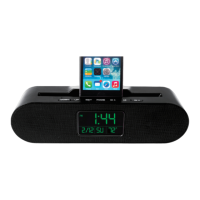
1. Press the MODE button repeatedly until the symbol “AL” is displayed in the upper right hand
corner of the display screen.
2. Press the DOWN and UP buttons repeatedly to choose between turning on the alarm ( ) by
itself, or turning it on with snooze ( and ) or turning it off.
3. To stop the alarm from going off, press either the MODE, DOWN, or UP buttons.
4. Unless stopped, the snooze function will remain on until it has rung 4 times.


 To Next Page