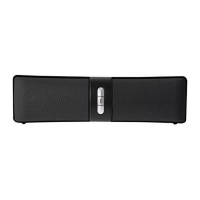
Charging Your Speaker
Your speaker has a built-in, rechargeable lithium ion battery. To avoid damage, do not attempt to
remove the battery. The full performance of the battery is only achieved after a few charging-dis-
charging cycles. Charge the battery fully before first use. To do so, follow the steps below:
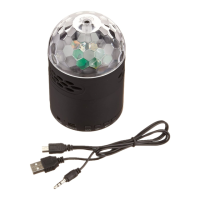
1. Connect one end of the included micro USB charging cable to the Micro USB Charging Port on
the rear of your speaker. Then plug the other end of the micro USB charging cable into a USB
port on your computer or a suitable power adapter in order to recharge the internal rechargeable
battery.
NOTE: The internal battery of your speaker takes approximately three hours to charge when
completely drained.
2. When the battery is charging, the LED Indicator Light will turn red. The LED Indicator Light will
turn off when the battery is fully charged. Unplug when charging is complete.
NOTE: Overcharging could reduce the life of the battery. A charged battery will lose its capacity
if it is not used on a regular basis.
Important!
To avoid a complete discharge of the battery, charge your speaker at least once every six
months.


 To Next Page