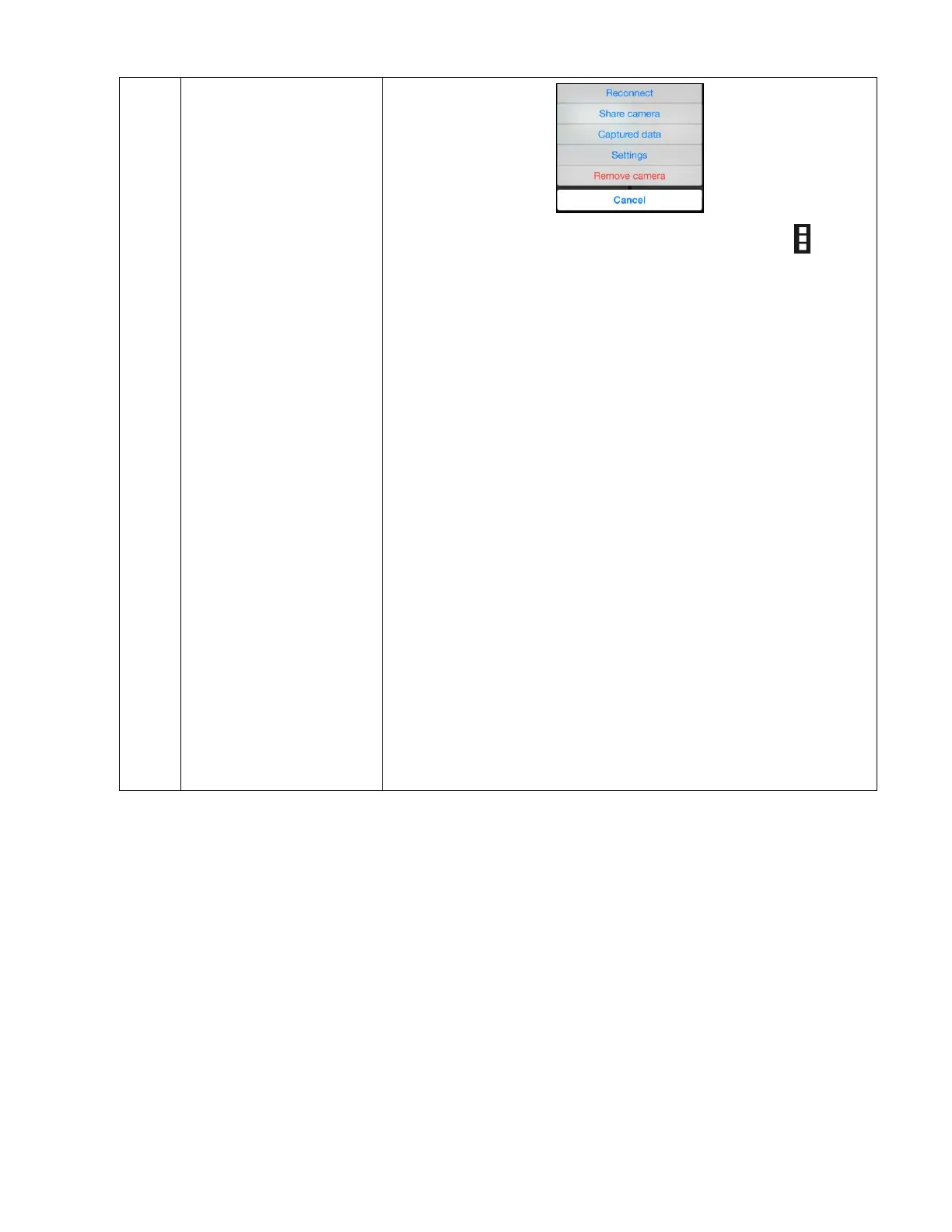
Long tap on the camera thumbnail or tap on the
Camera Menu button to open the camera functions menu
options for the selected camera.
The options include the following:
Reconnect: Reconnects the camera to the app.
Share Camera: Sends an email message with the QR
code and camera UID that allows quick and easy
remote connectivity from other handsets.
Captured data: Opens the Captured Data screen.
Settings: Opens the Camera Settings screen.
Remove camera: Removes camera from the Cameras
list and from the app.
NOTE: A confirmation window appears. Select ‘Yes’ to
remove the camera, or ‘No’ to cancel and exit without
removing the camera.
Cancel: Exits the Camera Functions menu.



 To Next Page