LIVE CAMERA VIEW - FULL SCREEN
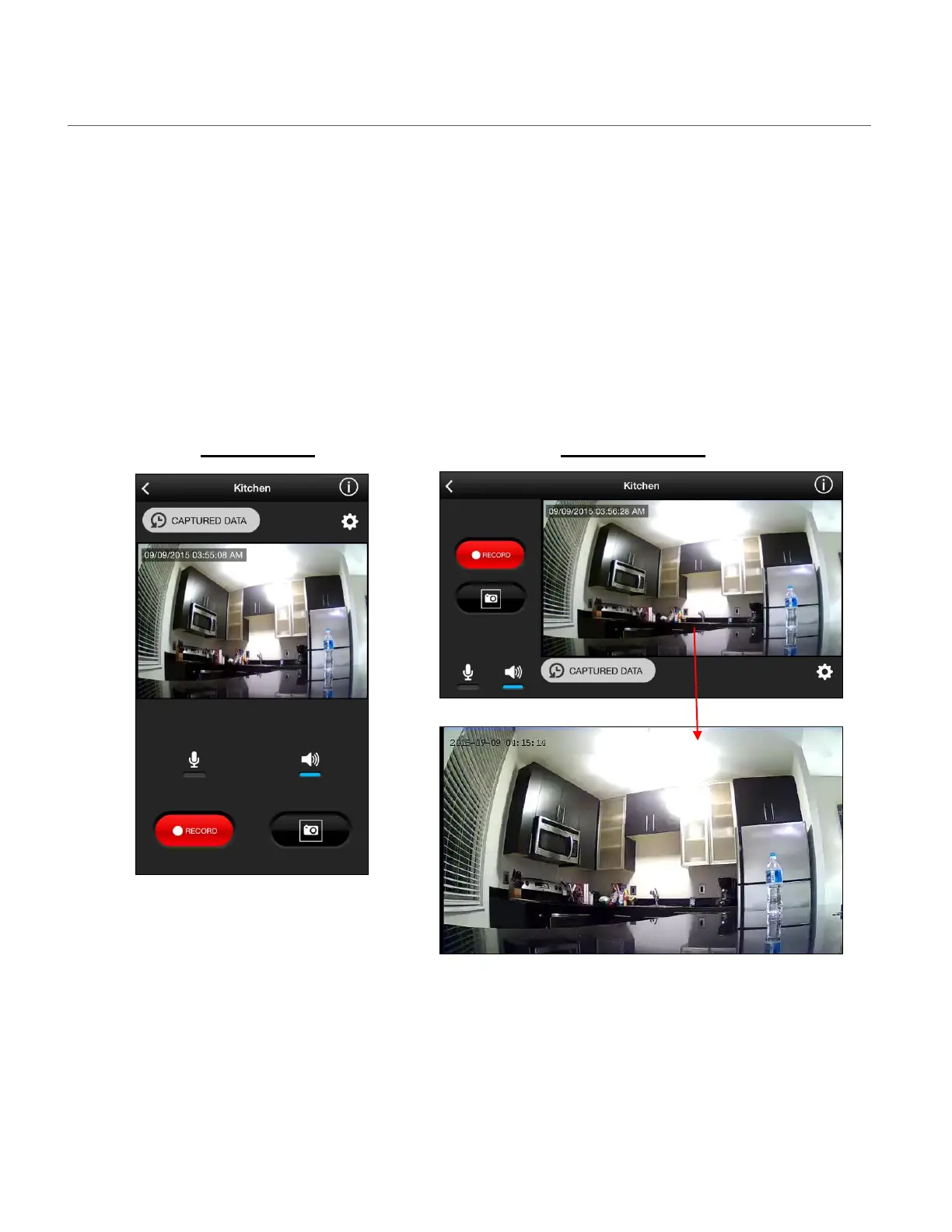
Tap on the Live Camera Video Stream from the Home screen to open the Live Camera Video
Stream in Full Screen.
You can rotate your mobile device to see the live streaming video in both in Portrait and
Landscape views.
NOTE: Tap on the Live Camera View while in the Landscape view in full screen without the
display of the app controls. Tap the screen to return to the Live Camera view Full screen with
display of the app controls.
Portrait View Landscape View
This manual downloaded from http://www.manualowl.com



 To Next Page