5
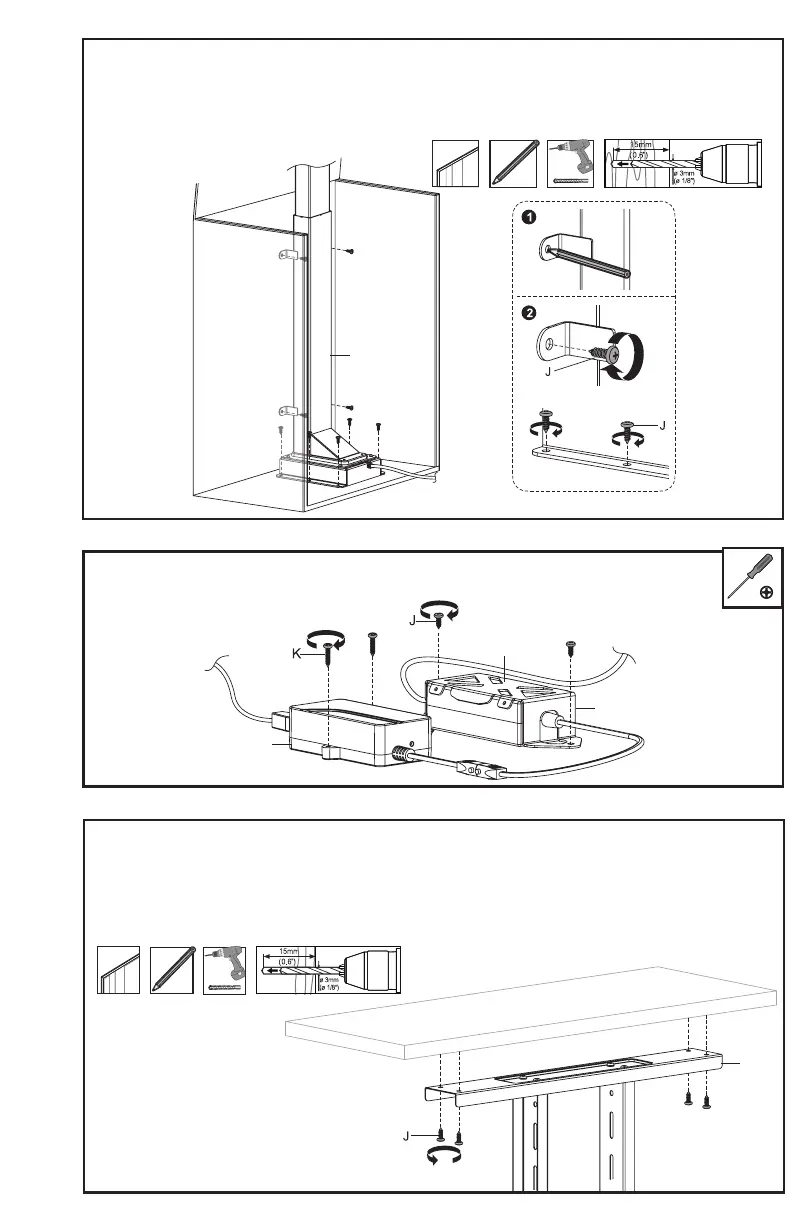
STEP 8
Mount the Control Unit (G) using ST4.2x20 Screws (K), and the AC Adapter (H) with Adapter
Mount (I) using ST5.5x16 Screws (J). Tighten with a Phillips screwdriver.
STEP 7
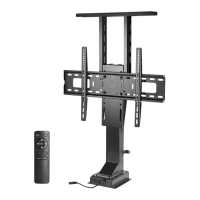
Place the Motorized Column (A), Control Unit (G), and AC Adapter (H) with Adapter Mount (I) in
the cabinet at the desired locations. Mark all mounting hole locations with a pencil. Remove the
Motorized Column (A) and other components, drill 5/8” (15mm) deep holes using a 1/8” (3mm) drill
bit, then mount the Motorized Column (A) in the cabinet using ST5.5x16 Screws (J). Tighten with a
Phillips screwdriver.
STEP 9
Place the cabinet shelf on top of the Shelf Bracket (D). Making sure the shelf is aligned with
the rest of the cabinet, mark mounting hole locations with a pencil and remove the shelf.
Drill 5/8” (15mm) deep holes using a 1/8” (3mm) drill bit, then mount the shelf to the Shelf
Bracket (D) using ST5.5x16 Screws (J). Tighten with a Phillips screwdriver.
A
G
H
I
D


 To Next Page