Need help?
Do you have a question about the Vivo MOUNT-E-UP65A and is the answer not in the manual?
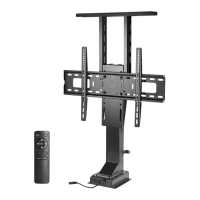
Lists all components included in the product packaging for assembly.
Details the required tools for assembling the motorized TV stand.
Highlights critical safety precautions, including general warnings and choking hazards.
Connects the motorized column cable to the control unit.
Installs the AC adapter and connects the power cable to the control unit.
Attaches the plate support bracket to the motorized column.
Attaches shelf bracket supports to the plate support bracket.
Assembles the shelf bracket to the top of the shelf bracket supports.
Mounts the TV plate and pairs the remote control with the control unit.
Secures the motorized column, control unit, and AC adapter within the cabinet.
Installs the control unit and AC adapter with adapter mount in the cabinet.
Attaches the cabinet shelf onto the shelf bracket.
Attaches VESA brackets to the back of the TV using appropriate hardware.
Hangs the TV with attached VESA brackets onto the TV plate.
Adjusts shelf bracket height for cabinet closure and prepares for operation.
Provides contact methods, support hours, and average response times for assistance.

 To Next Page
 General