6
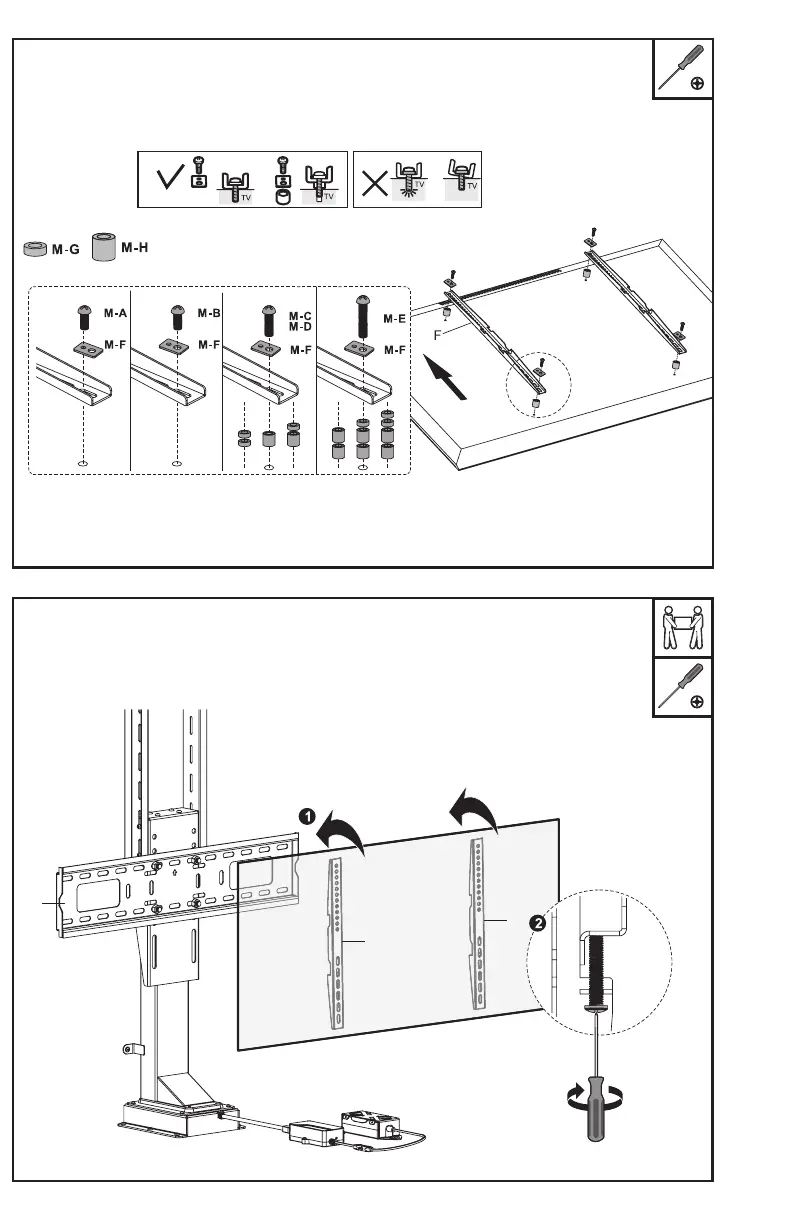
STEP 10
Mount the VESA Brackets (F) to the back of the TV, making sure the round holes are up and
the slots are down. Use the 14mm Bolts (M-A, M-B) with M5/M8 Washers (M-F) for smaller
TVs. Use the 30mm Bolts (M-C, M-D) or 50mm Bolts (M-E) with M5/M8 Washers (M-F) and
Spacers (M-G, M-H) for large or curved TVs. Tighten with a Phillips screwdriver.
STEP 11
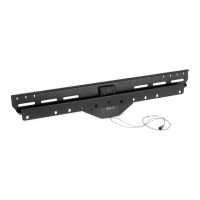
Hang the VESA Brackets (F) with TV over the top of the TV Plate (E), and tighten the security
screws underneath using a Phillips screwdriver.
F
F
E


 To Next Page