VIVOTEK
44 - User's Manual
You can click Restore to recall the original settings without incorporating the changes. When
completed with the settings on this page, click Save to enable the settings.
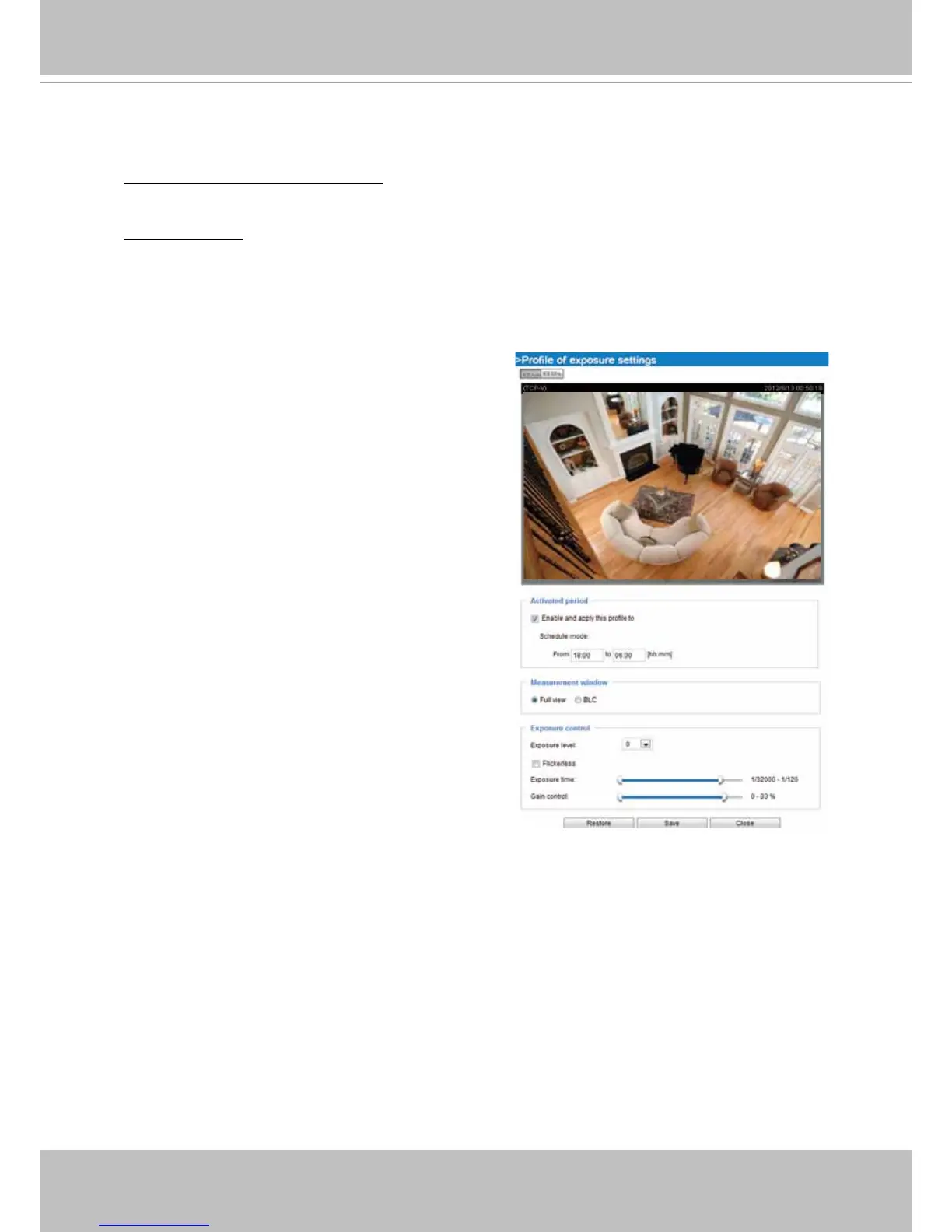
Please follow the steps below to setup a prole:
1. Check Enable this prole.
2. Congure a time span.
3. Congure Exposure control settings in the folowing
columns. Please refer to previous dicussions for
detailed information.
4. Click Save to enable the setting and click Close to
exit the page.
moving objects, while a faster shutter reduces light and needs to be compensated by electrical
brightness gains.
To Congure a Conguration Prole:
Clcik on the Prole button to bring up the conguration window.
Activated period:
Select a period of time during which this configuration will take effect. Please
manually enter a range of time.



 To Next Page