VIVOTEK
User's Manual - 89
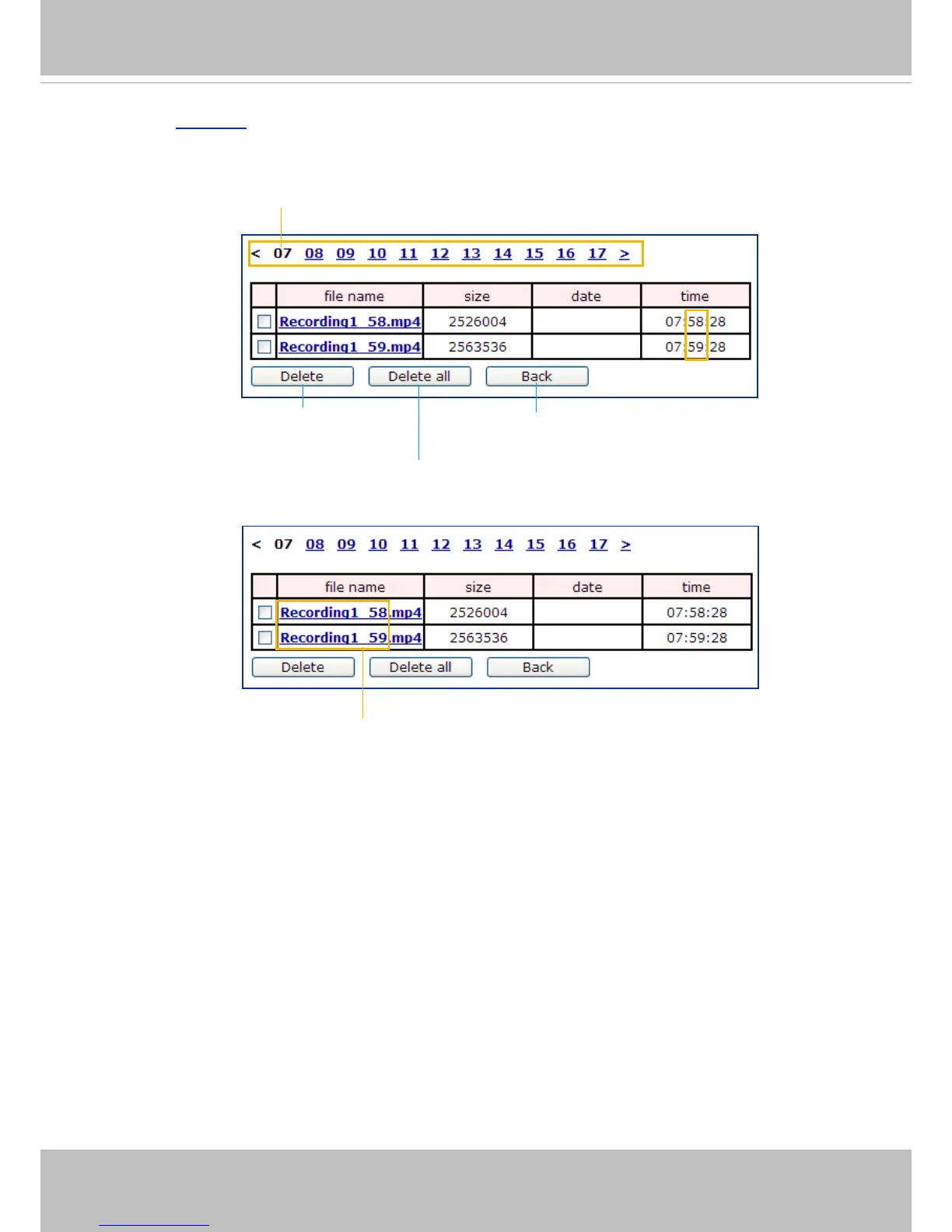
Click 20110220 to open the directory:
Click to delete
selected items
Click to delete all
recorded data
Click to go back to the previous
level of the directory
The format is: HH (24r)
Click to open the le list for that hour
The format is: File name prex + Minute (mm)
You can set up the file name prefix on the Add media page.
Please refer to next page for detailed information.
2011/02/20
2011/02/20
2011/02/20
2011/02/20



 To Next Page