VIVOTEK
User's Manual - 141
Local storage > Content management
This section explains how to manage the content of recorded videos on the Network Camera� Here you
can search and view the records and view the searched results�
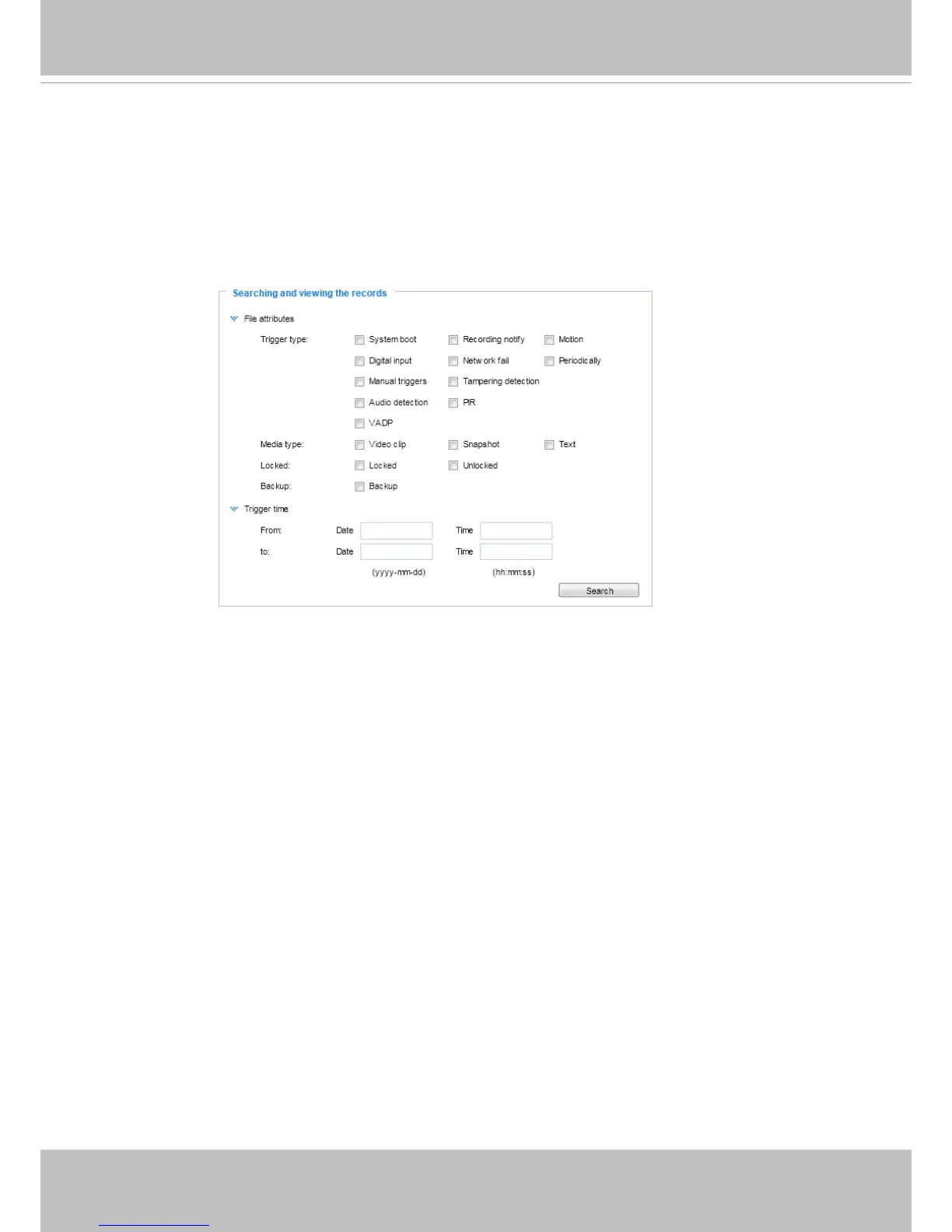
Searching and Viewing the Records
This column allows the user to set up search criteria for recorded data� If you do not select any criteria
and click Search button, all recorded data will be listed in the Search Results column�
■ File attributes: Select one or more items as your search criteria.
■ Trigger time: Manually enter the time range you want to search.
Click Search and the recorded data corresponding to the search criteria will be listed in Search Results
window�



 To Next Page