VIVOTEK
User's Manual - 21
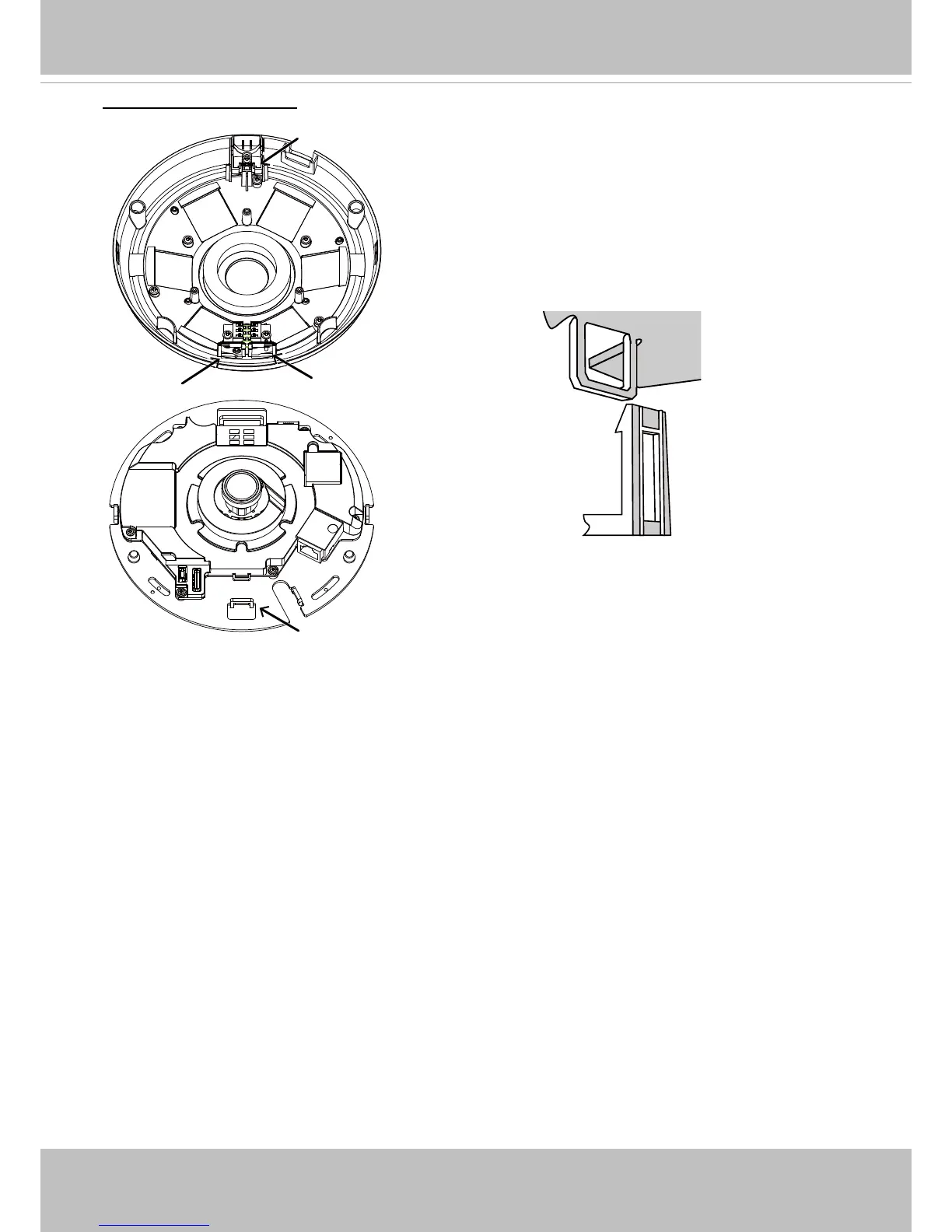
Install the plastic dome cover by aligning the snap-t
tabs on the dome cover with the slotted tabs on the
camera base. Install the dome cover by pressing it
evenly to the camera base.
Make sure the dome cover and the base plate are
ush-aligned before pressing down. The dome cover
is secured using a snap-t mechanism.
Attach the Dome Cover
Snap-t tabs
Dome cover



 To Next Page