www.vivotek.com
T: 886-2-82455282
F: 886-2-82455532
The Configuration:
“Digital Output”
Clicking on the “On” or “Off” button turns the digital output to either on or off
status.
“Snapshot”
Clicking on the “Snapshot” can get a JPEG format image of the current camera view
in another window.
“Client Settings”
Clicking on this button links you to the client setting page, please check the
following session for more details.
“Configuration” Only the Administrator can access camera configurations.
The camera view
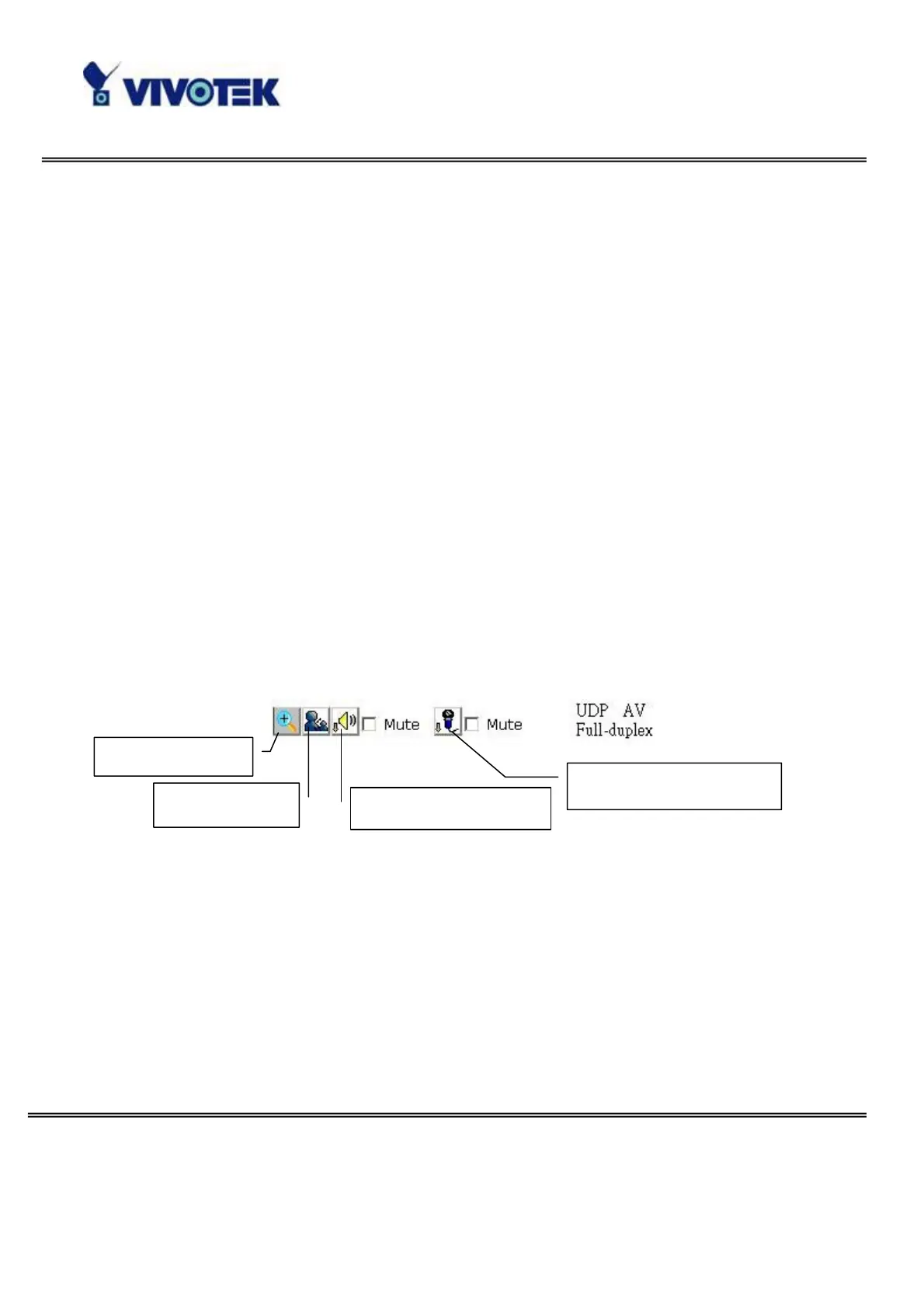
The information bar at the top of the camera view shows the assigned caption and
the current date/time. The information bar at the bottom of the camera view shows
the current streaming mode and audio transmission mode. You can push/toggle
the talk button to talk to the remote server. The volume of speaker and microphone
can also be adjusted.
Digital zoom
Talk button
Speaker volume
Microphone volume



 To Next Page