- 11 -
www.vivotek.com
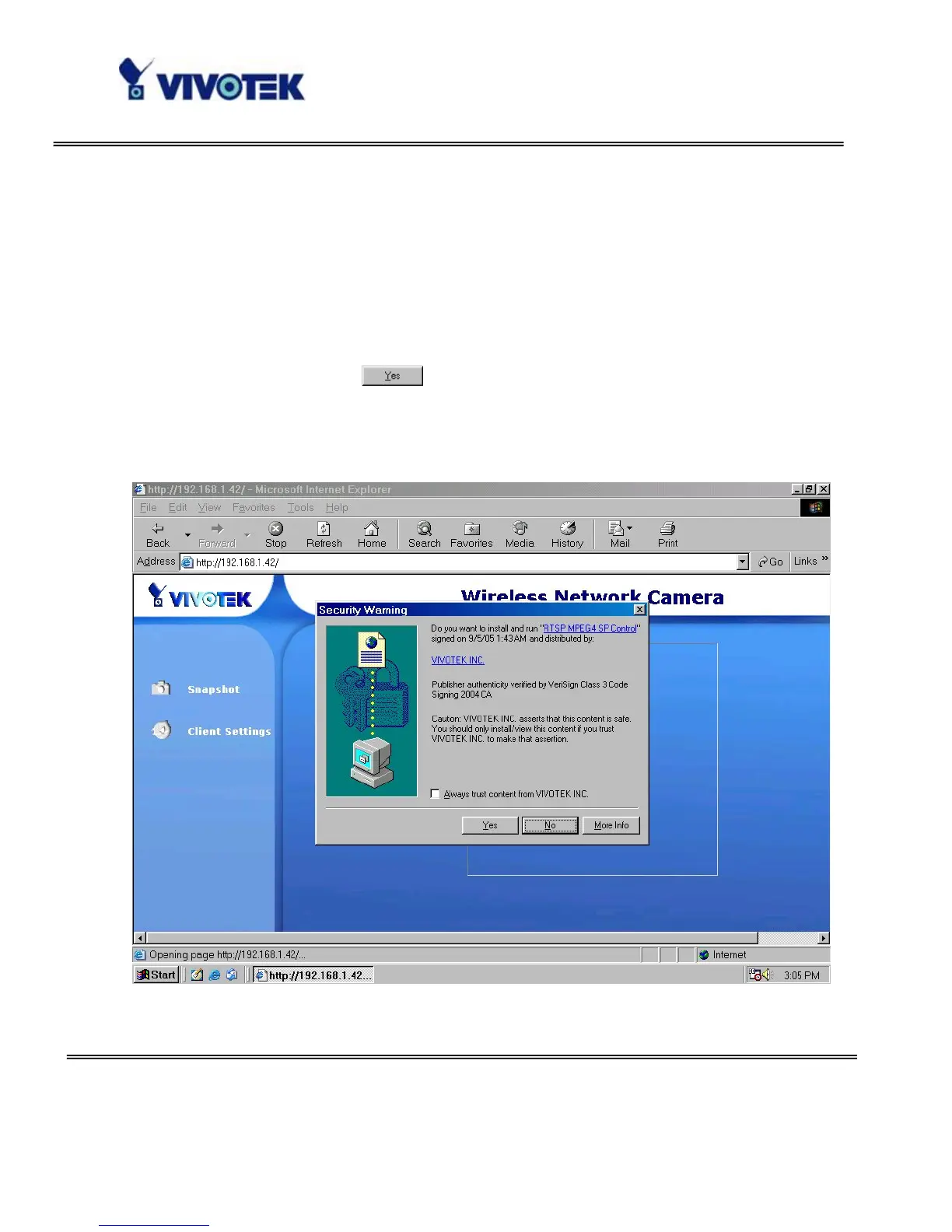
Installing plug-in
For the initial access to the Network Camera in Windows, the web browser may prompt
for permission to install a new plug-in for the Network Camera. Permission request
depends on the Internet security settings of the user’s PC or notebook. If the highest
security level is set, the computer may prohibit any installation and execution attempt.
This plug-in has been registered for certificate and is used to display the video in the
browser. Users may click on
to proceed. If the web browser does not allow the
user to continue to install, check the Internet security option and lower the security
levels or contact your IT or networking supervisor for help.



 To Next Page