- 44 -
www.vivotek.com
System log
The Network camera support log the system messages on remote server. The protocol
is compliant to RFC 3164. If you have external Linux server with syslogd service, use
“-r” option to turn on the facility for receiving log from remote machine. Or you can use
some software on Windows which is compliant to RFC 3164.
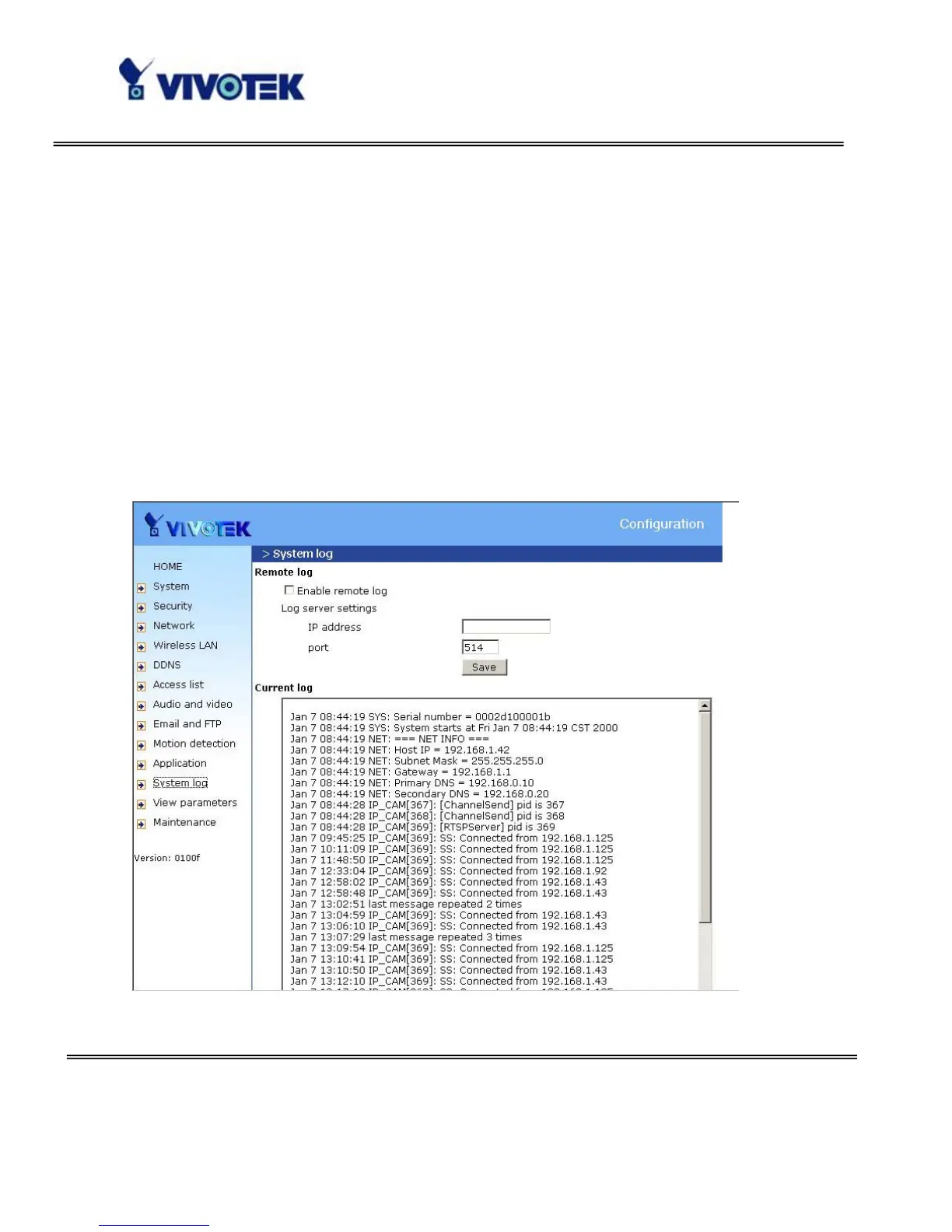
Check “Enable remote log” and input the “IP address” and “port” number of the
log server to enable the remote log facility.
In the “Current log”, it displays the current system log file. The content of the log
provides useful information about configuration and connection after system boot- up.



 To Next Page