- 40 -
www.vivotek.com
Application settings
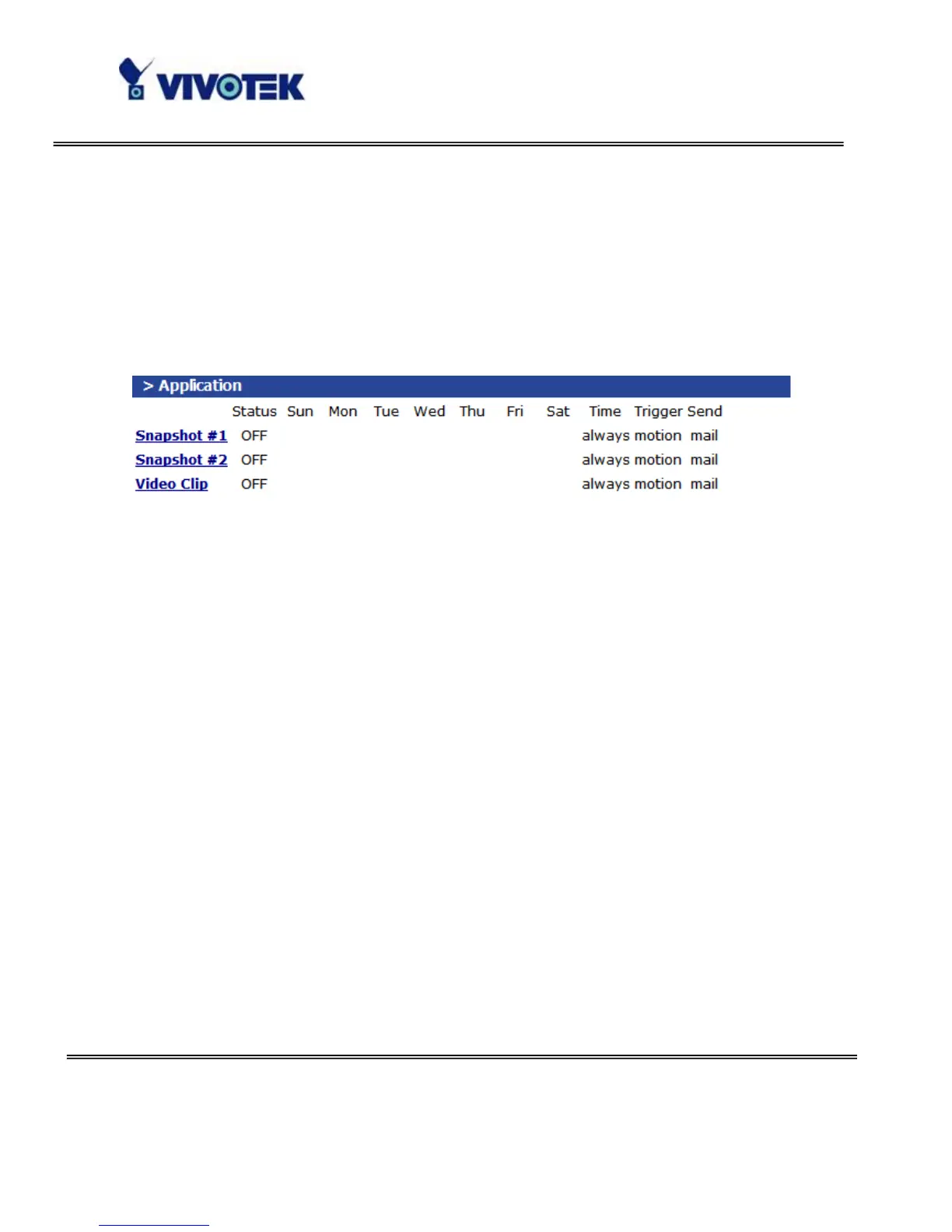
The server provides two kinds of applications, snapshot and videoclip. There are two
independent snapshot items to set, and they are named as Snapshot #1 and Snapshot
#2. The status, schedule, trigger condition, and action of three applications are
summaried in the application page. The user can click on Snapshot #1, Snapshot #2 or
Video Clip to enter the detail setting page.
Snapshot
“Enable snapshot” Enable/Disable snapshot application.
Weekly schedule
“Sun” ~ “Sat” Select the days of the week to perform the application.
Select “Always” or input the time interval.
Snapshot file name prefix
The prefix name will be added on the file name of the snapshot images.
Send out the snapshot while motion detection
There are three windows for motion detection each can be assigned a name. Select the
windows which need to be monitored. If motion detection has not been set up,
“undefined” will be shown instead of the window title. If this happens, clicking on



 To Next Page