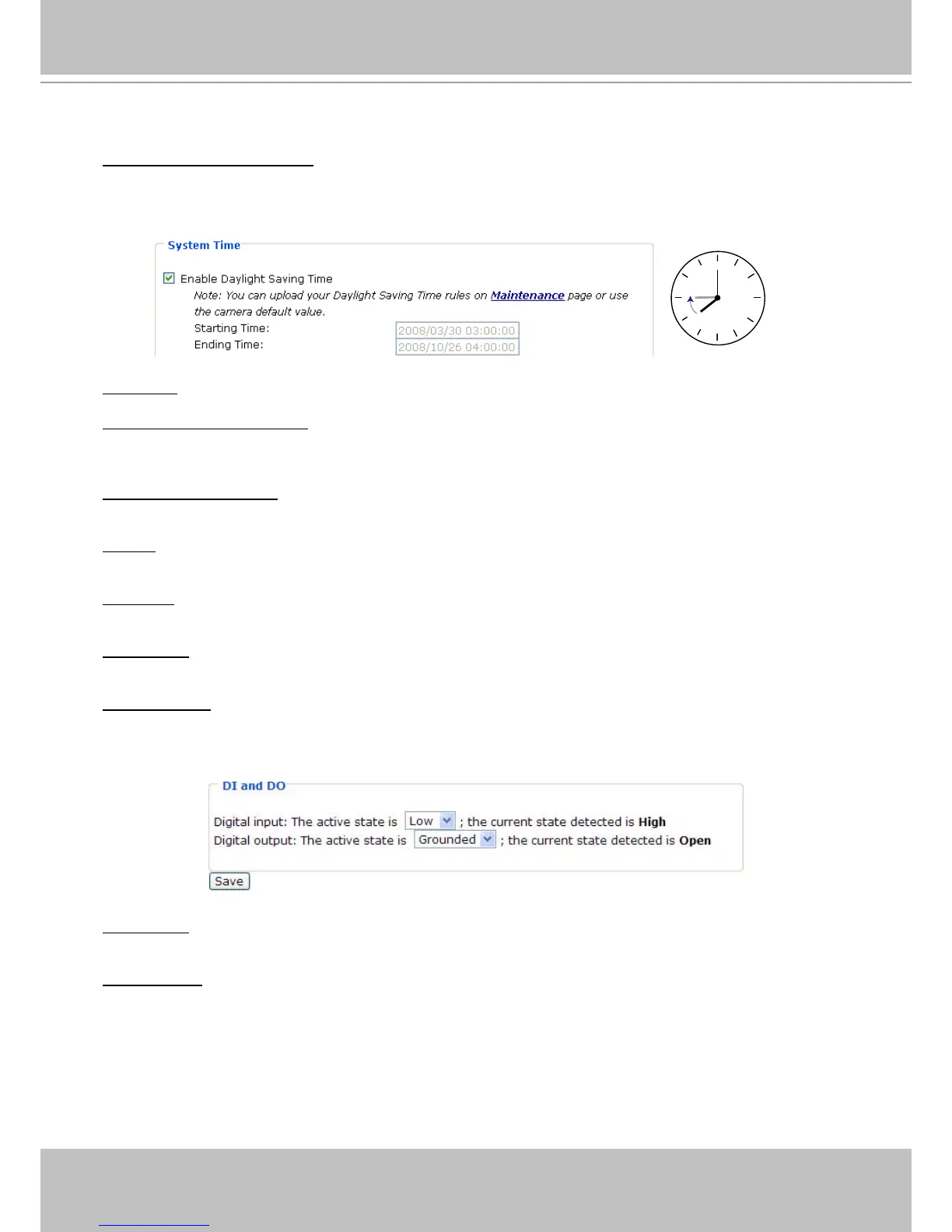
System Time
Enable Daylight Saving Time: Select this option to enable daylight saving time (DST)� During DST, the
system clock moves one hour ahead. Note that to utilize this feature, please set the time zone for your
Network Camera rst. Then, the starting time and ending time of the DST is displayed upon selecting
this option. To manually congure the daylight saving time rules, please refer to Upload / Export Daylight
Saving Time Conguration File on page 78 for details�
Time zone: Select the appropriate time zone from the list.
Keep current date and time: Select this option to preserve the current date and time of the Network
Camera� The Network Camera’s internal real-time clock maintains the date and time even when the
power of the system is turned off�
Sync with computer time: Select this option to synchronize the date and time of the Network Camera with
the local computer� The read-only date and time of the PC is displayed as updated�
Manual: The administrator can enter the date and time manually� Note that the date and time format are
[yyyy/mm/dd] and [hh:mm:ss]�
Automatic: The Network Time Protocol is a protocol which synchronizes computer clocks by periodically
querying an NTP Server�
NTP server: Assign the IP address or domain name of the time-server� Leaving the text box blank
connects the Network Camera to the default time servers�
Update interval: Select to update the time with the NTP server on hourly, daily, weekly, or monthly basis�
DI and DO
Digital input: Select High or Low to dene normal status of the digital input. The Network Camera will
report the current status�
Digital output: Select Grounded or Open to define normal status of the digital output� The Network
Camera will show whether the trigger is activated or not�



 To Next Page