Homepage Layout
This section explains how to set up your own customized homepage layout.
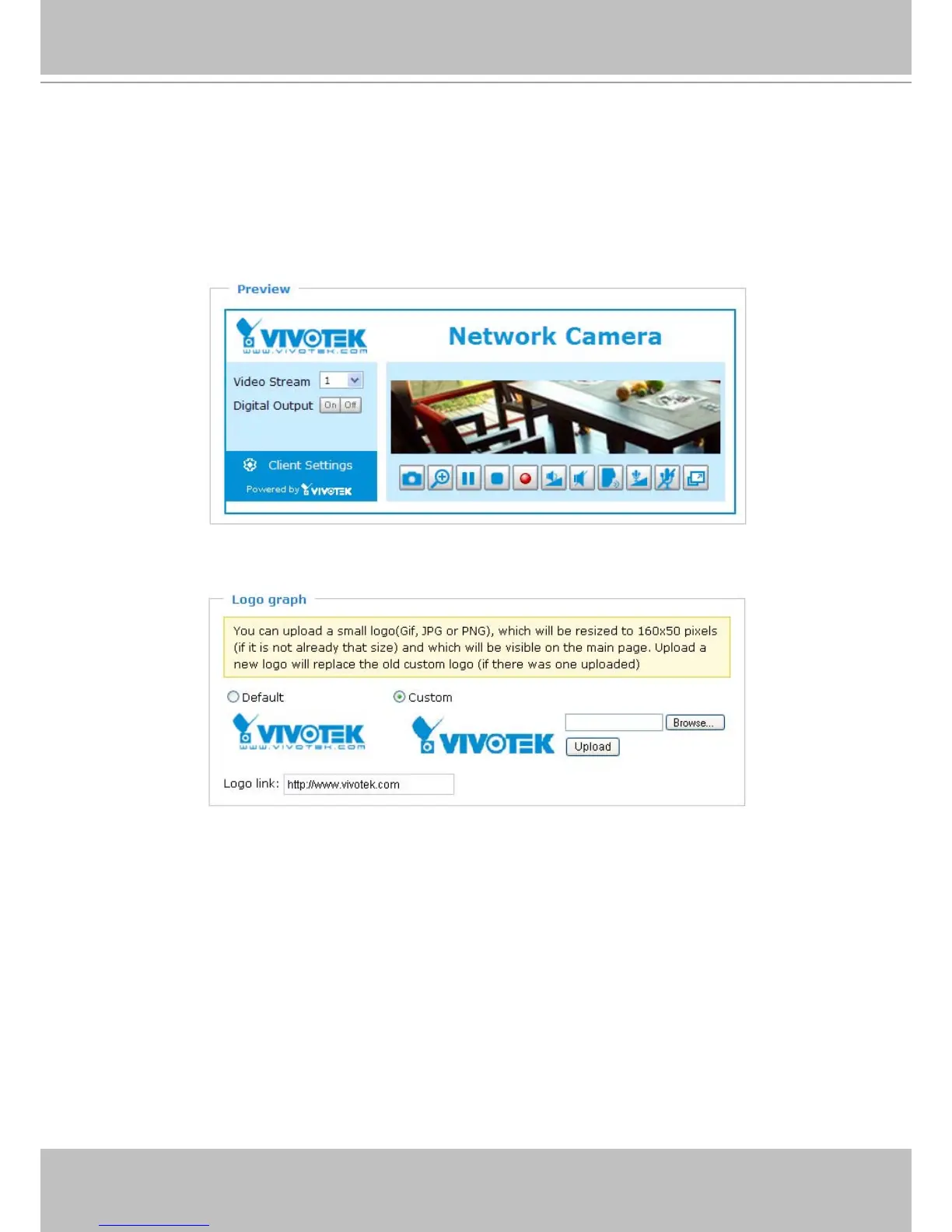
Preview
This column shows the settings of your hompage layout� You can manually select the background and
font colors in Theme Options (the third column on this page)� The settings will be displayed automatically
in this Preview eld. The following shows the homepage using the default settings:
Logo
Here you can change the logo at the top of your homepage�
Follow the steps below to upload a new logo:
1� Click Custom and the Browse eld will appear.
2. Select a logo from your les.
3� Click Upload to replace the existing logo with a new one�
4� Enter a website link if necessary�
5� Click Save to enable the settings�



 To Next Page