VIVOTEK
6 - User's Manual
Physical Description
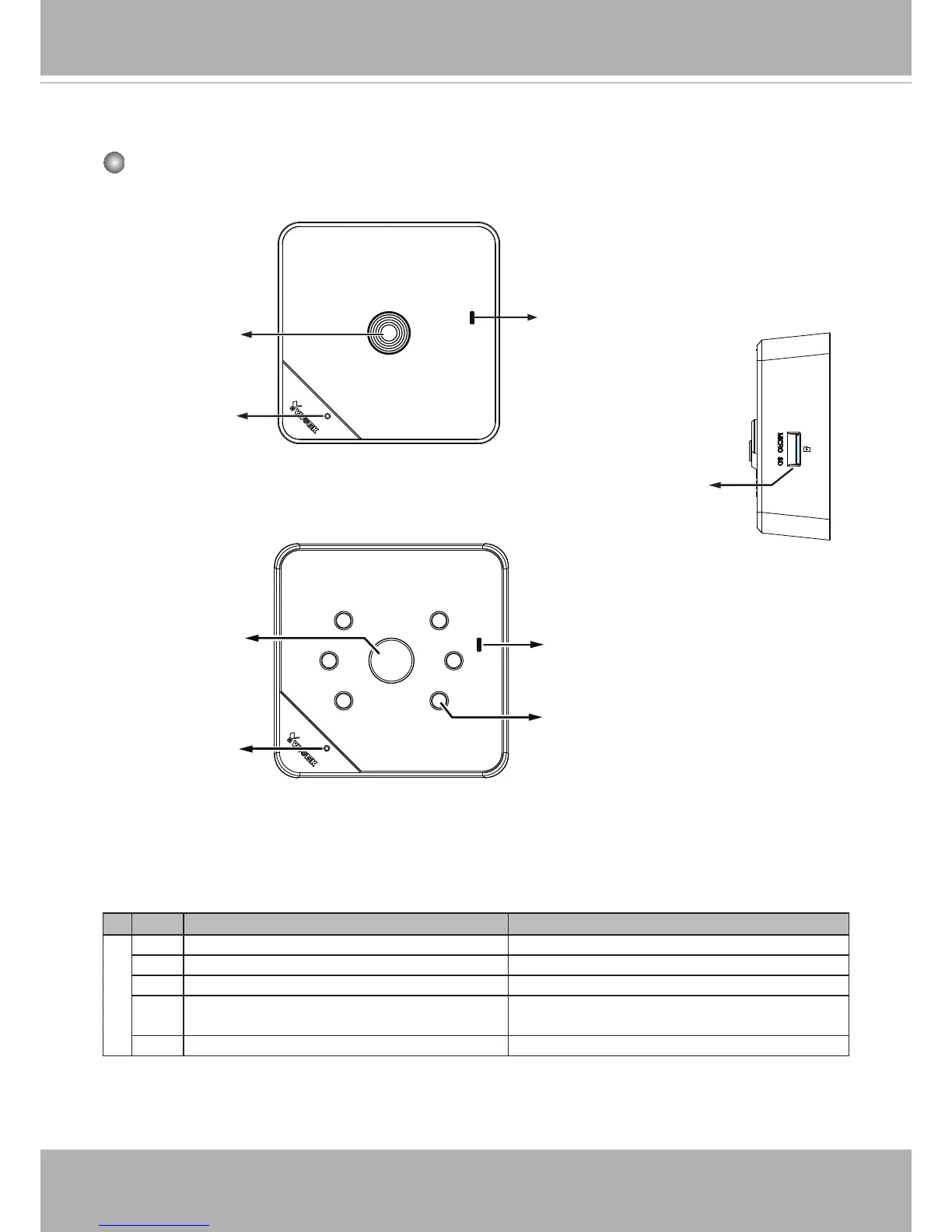
Front Panel
Item LED status Description
LED
1 Steady Red Powered and system booting, or network failed
Red LED off Power off
2 Green LED blinks every 1 sec� Connected to network
3 Green, RED, and Orange blink consecutively
every 0�15 sec�
Upgrading rmware
5 Orange blinks every 0�15 sec� Restoring defaults
Status LED
Lens
Microphone
IP8130
IP8131
Microphone
IR LEDs
Status LED
MicroSD/SDHC/SDXC
Card Slot
Lens



 To Next Page