VIVOTEK
User's Manual - 39
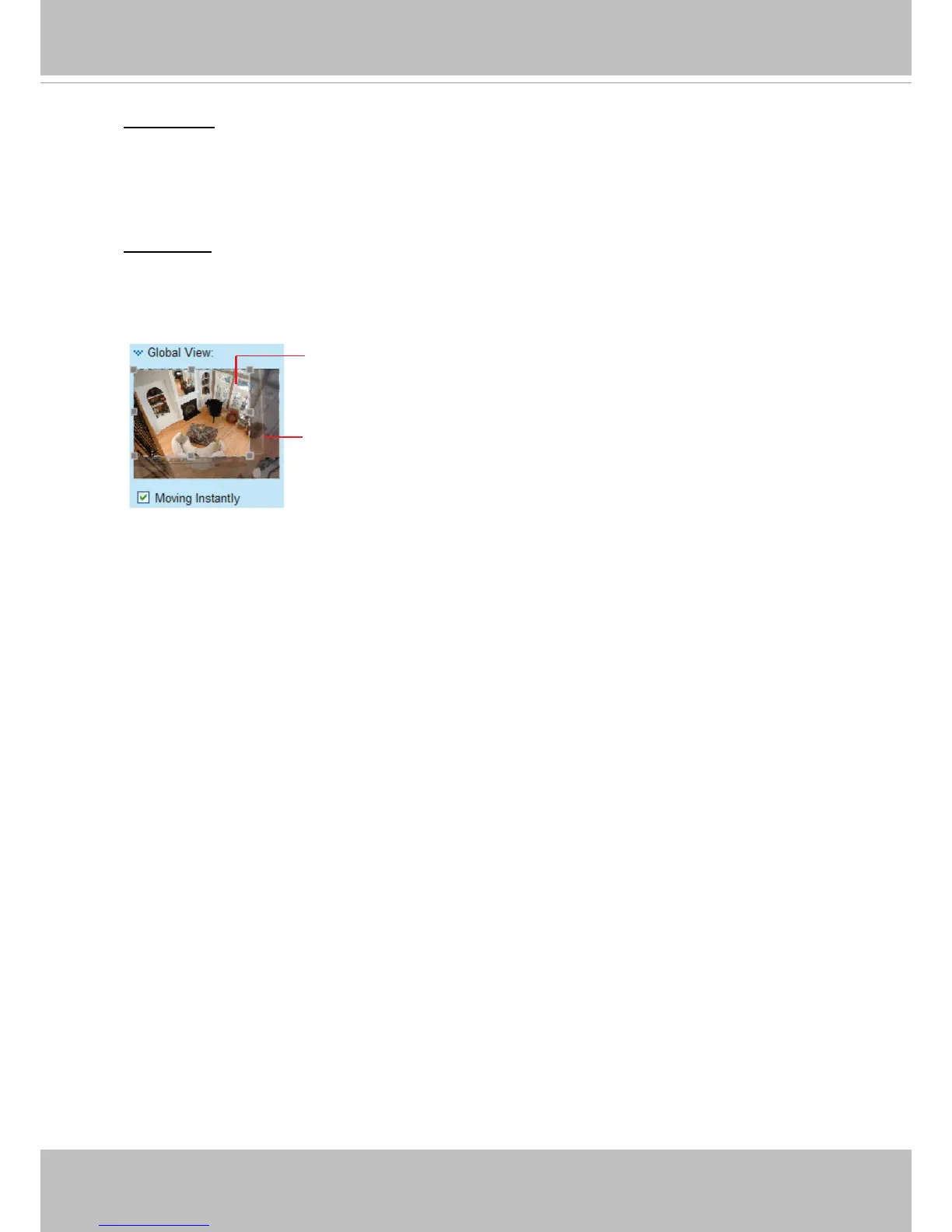
Global View: Click on this item to display the Global View window. The Global View window
contains a full view image (the largest frame size of the captured video) and a oating frame (the
viewing region of the current video stream). The oating frame allows users to control the e-PTZ
function (Electronic Pan/Tilt/Zoom). For more information about e-PTZ operation, please refer to
E-PTZ Operation on page 95. For more information about how to set up the viewing region of the
current video stream, please refer to Viewing Windows on page 39.
PTZ control: If a different control interface, e.g., the RS485, is connected, you can select the
Mechanical PTZ control. For example, the camera can be mounted on a mechanical scanner that
enables moving the shooting direction.
The viewing region of
the curruent video
stream
The largest frame size



 To Next Page