VIVOTEK - Built with Reliability
User's Manual - 113
3. If you are creating a regular user with limited access to cameras, deselect the checkboxes by
the cameras to deny the user access.
4. Click Apply to close the conguration window. Repeat the process to create more users.
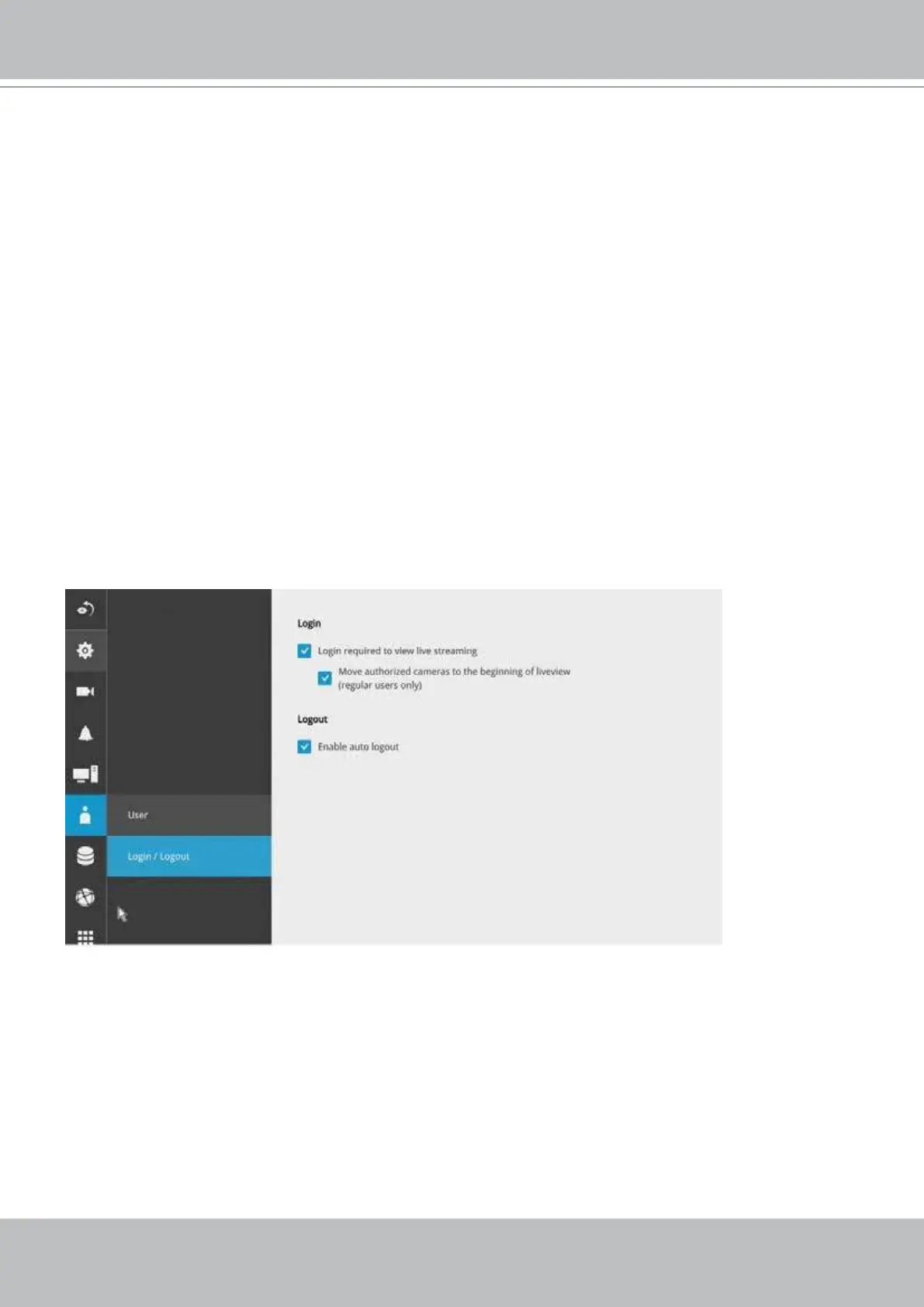
3-4-18. Settings–User-Login / Logout
Login
1.
Login required to view live streaming: If selected, a user credential prompt will appear before
displaying a live view. If not selected, the NVR displays live view rst. Login will be required
when performing specic tasks, such as entering the Settings page.
2.
Move authorized cameras to the beginning of live view (regular users only): For users who
have access to specic cameras only, he will be required to enter his credentials before
viewing a live view.
Logout
1.
Enable auto logout: By default, a user is logged out automatically after being idle for 10
minutes. If not selected, the NVR will not log out automatically. A user can only log out
manually.



 To Next Page