VIVOTEK - Built with Reliability
78 - User's Manual
3-4-5. Settings–Camera–Media
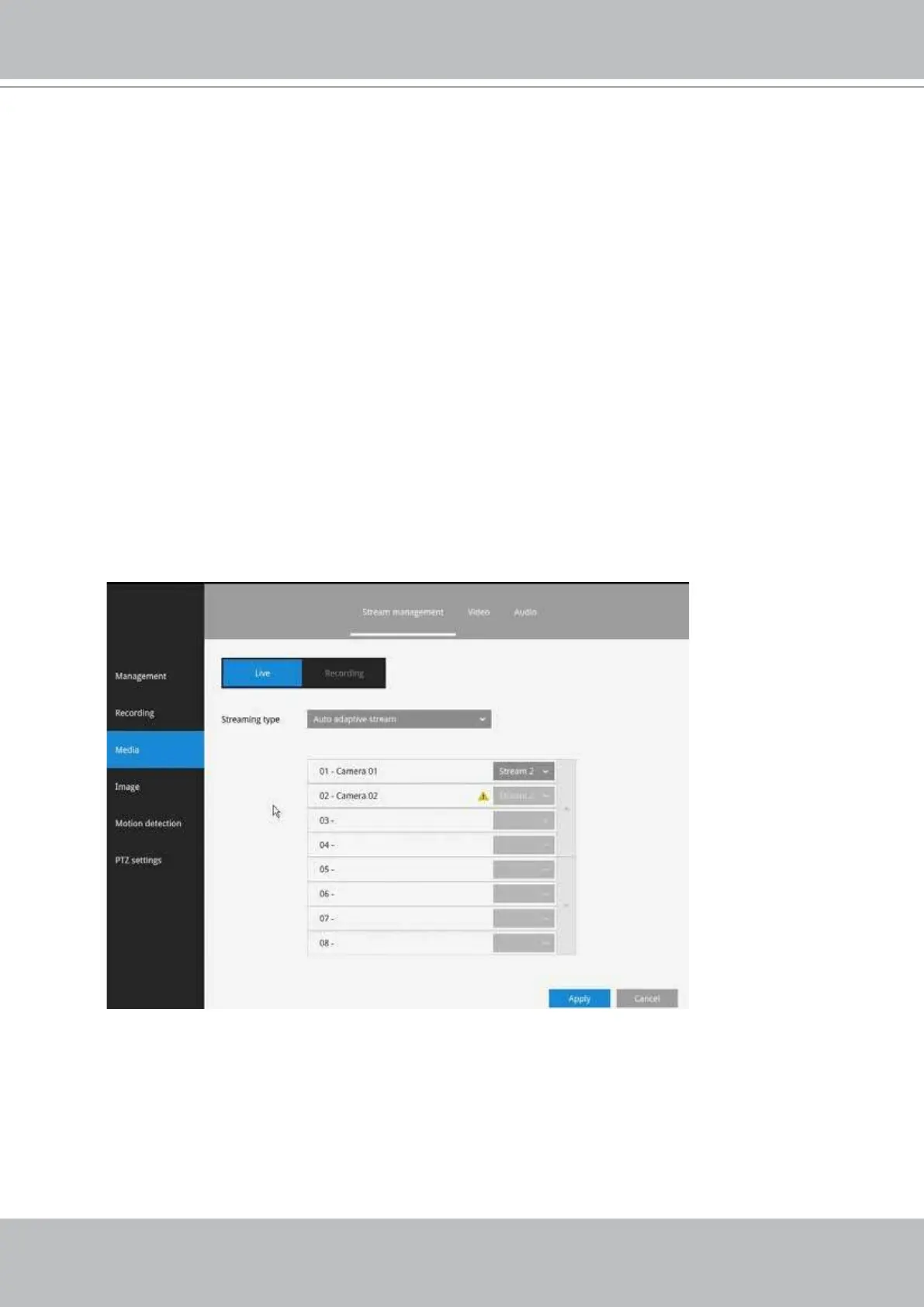
Live
Auto adaptive stream: Default is enabled. The Auto adaptive stream automatically
polls a video stream of a smaller resolution in order to reduce the streaming efforts.
For example, when a view cell is placed in a 3x3 layout, it may not be necessary to
stream the video in its full resolution. In a full view, the system displays a video in its full
resolution. Due to the size of view cells on your monitor, when in a multi-cell layout, the
system automatically polls the camera for a smaller resolution stream.
The Auto adaptive stream feature can be disabled if you prefer consistent display
resolution.
Customized: The Customized option allows you to manually select High, Medium, or Low
resolution streams from the pre-congured video streams of a camera. Note that for
cameras that come with higher resolutions, such as 8MP, the NVR still has its limitation
on the maximum resolution. Select a camera from the list and then use the pull-down
menu to select a video stream of different resolution. When done, click the Apply button.



 To Next Page