VIVOTEK - Built with Reliability
User's Manual - 147
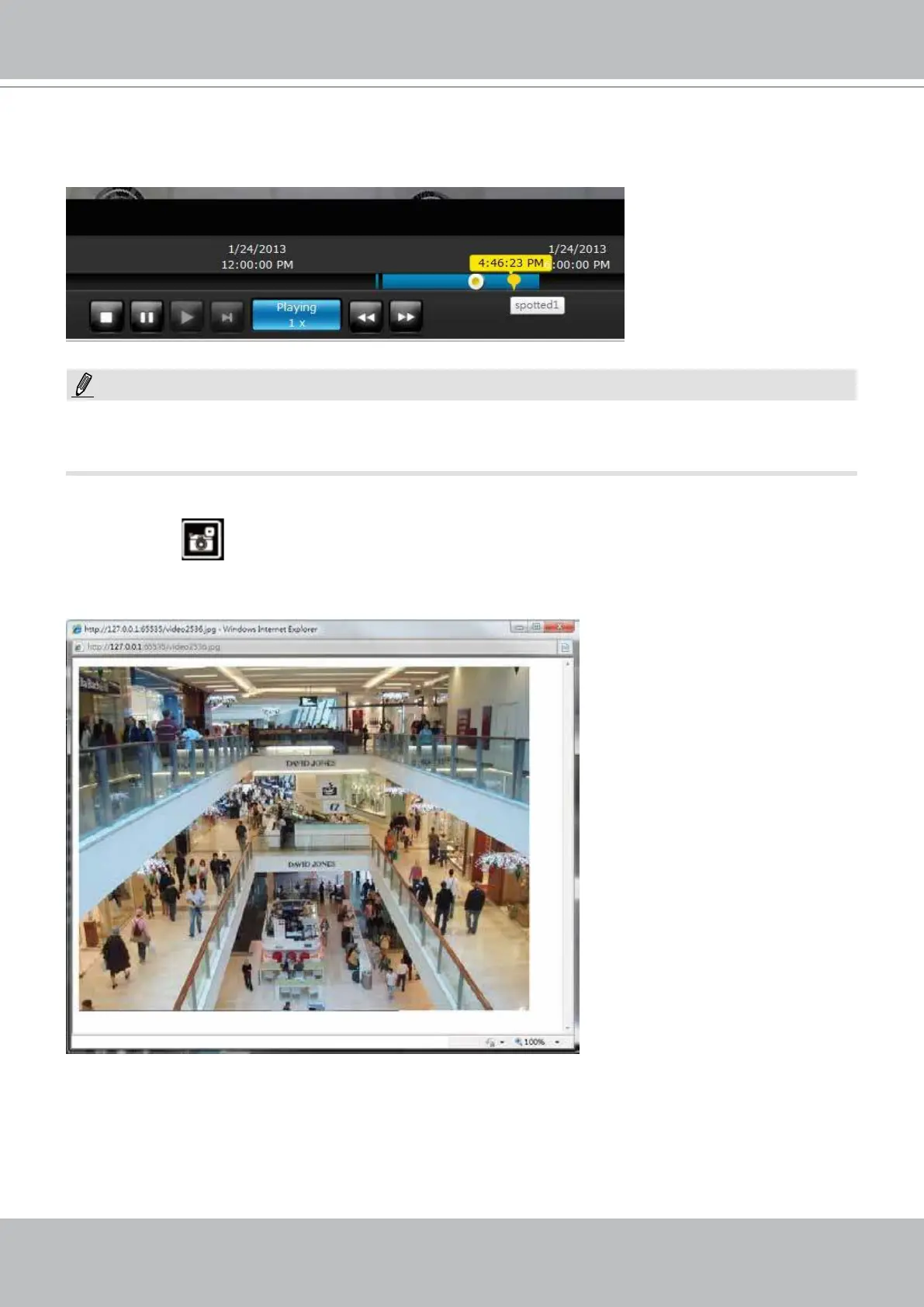
Below are two bookmarks (yellow tags) shown along with a recorded video in the Playback utility
screen. Bookmarks help nd and retrieve important moments in a recoded video.
3. Snapshot:
This button produces a snapshot prompt. You may then right-click on the snapshot image to
save it to a preferred location.
Bookmarks will be erased if the user/system erases the video clips they were appended to. For
example, system will recycle storage space by deleting old videos along with their bookmarks.
Note that the size of a snapshot is equal to the frame size set for the video stream.
NOTE:



 To Next Page