VIVOTEK - Built with Reliability
18 - User's Manual
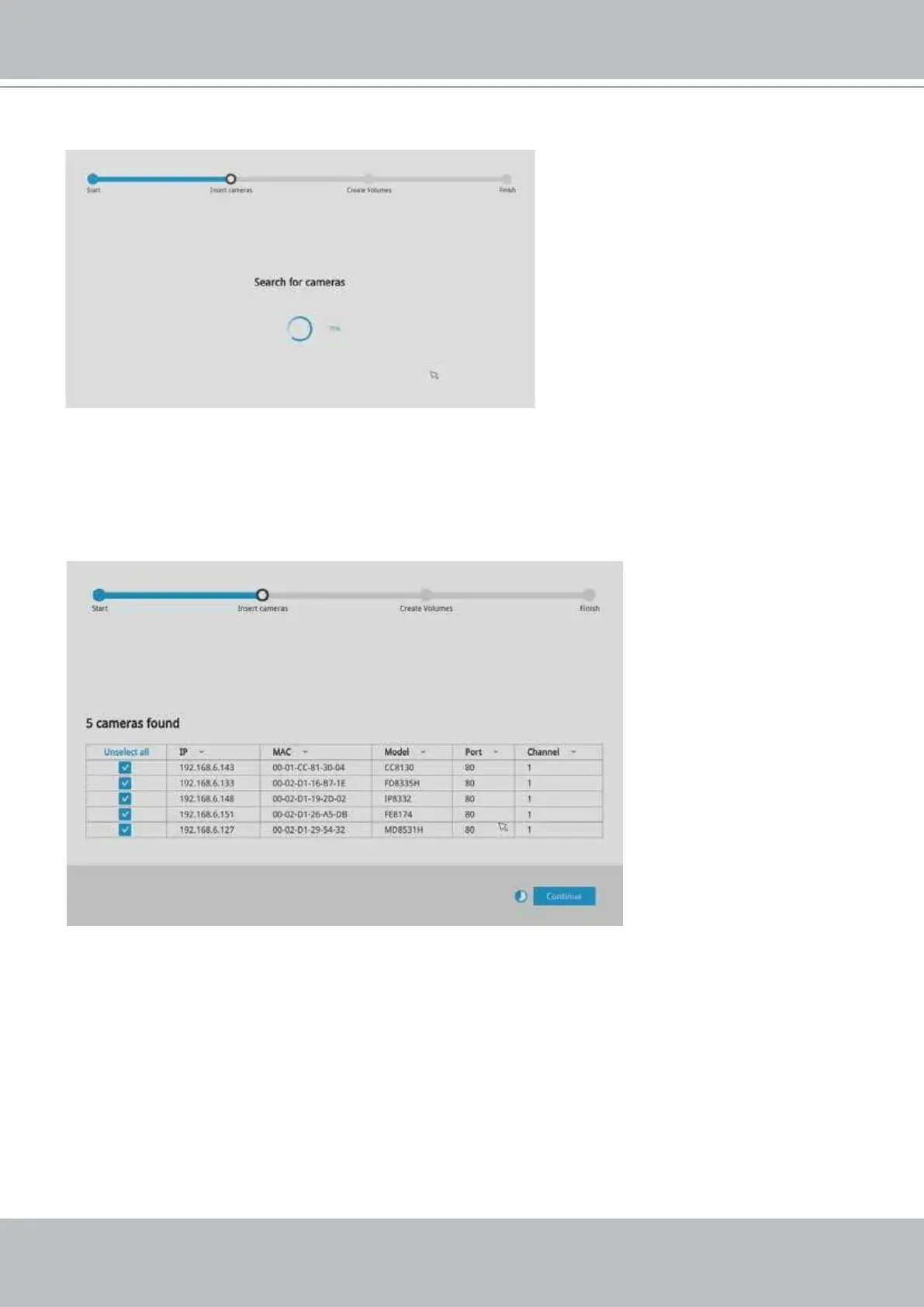
3. The system will then start to scan the local subnet for connected cameras.
4. All cameras detected on the network will be automatically selected. If necessary, deselect the
cameras you want to exclude from the conguration. Click Continue to proceed.
Cameras properly installed in the same subnet should all be listed. If you cannot nd a
camera, examine its network connections.



 To Next Page