VIVOTEK - Built with Reliability
User's Manual - 23
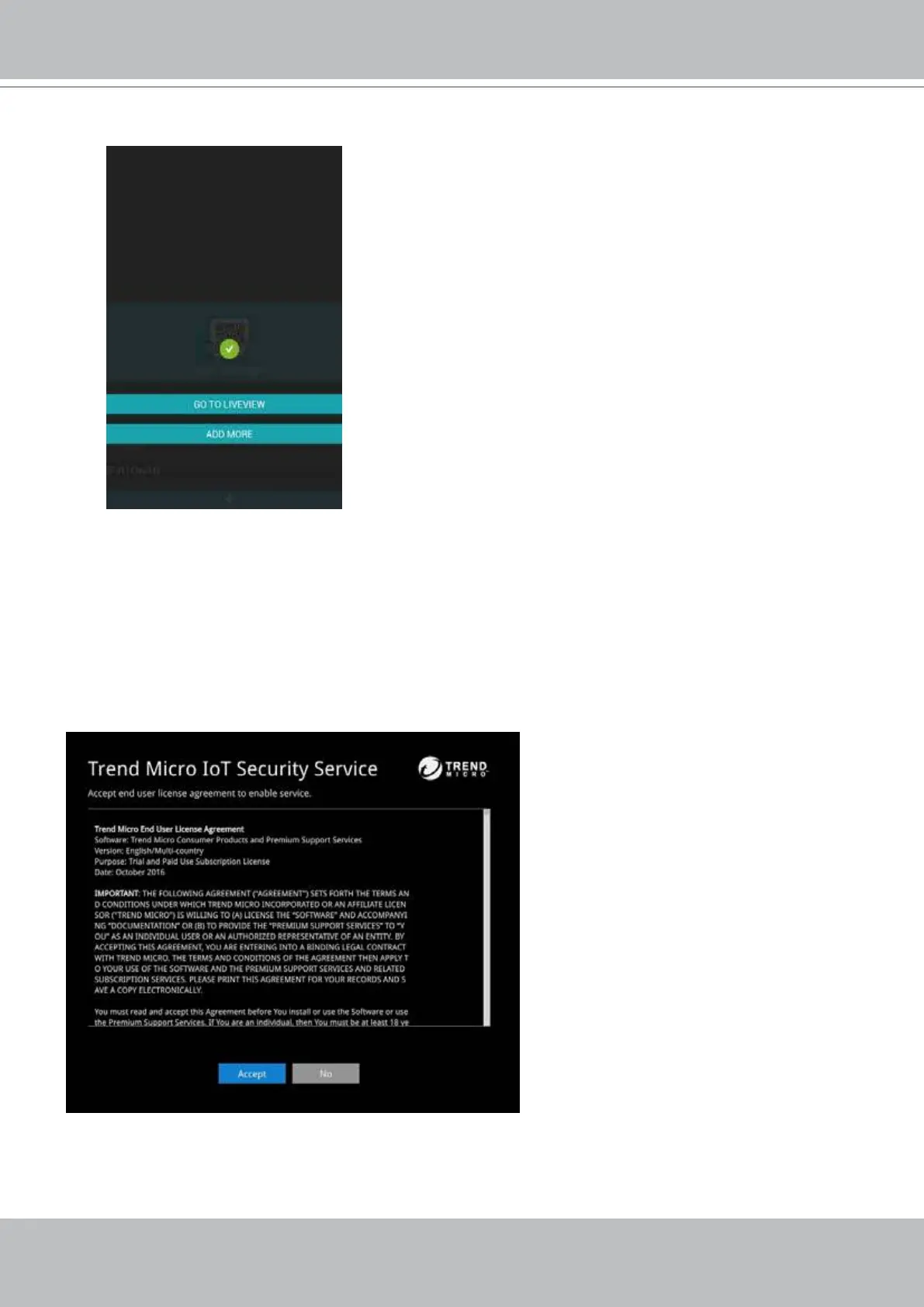
Read the Trend Micro IoT Security Service licencse statement. Click the Accept button when
done.
The LiveClient screen will display, and, by default, the recording from the selected cameras
will immediately take place.
7. Click the Done button. The LiveClient screen will display, and, by default, the recording from
the selected cameras will immediately take place.
6-8. The NVR and the cameras under it will be ready for access.



 To Next Page