VIVOTEK - Built with Reliability
User's Manual - 27
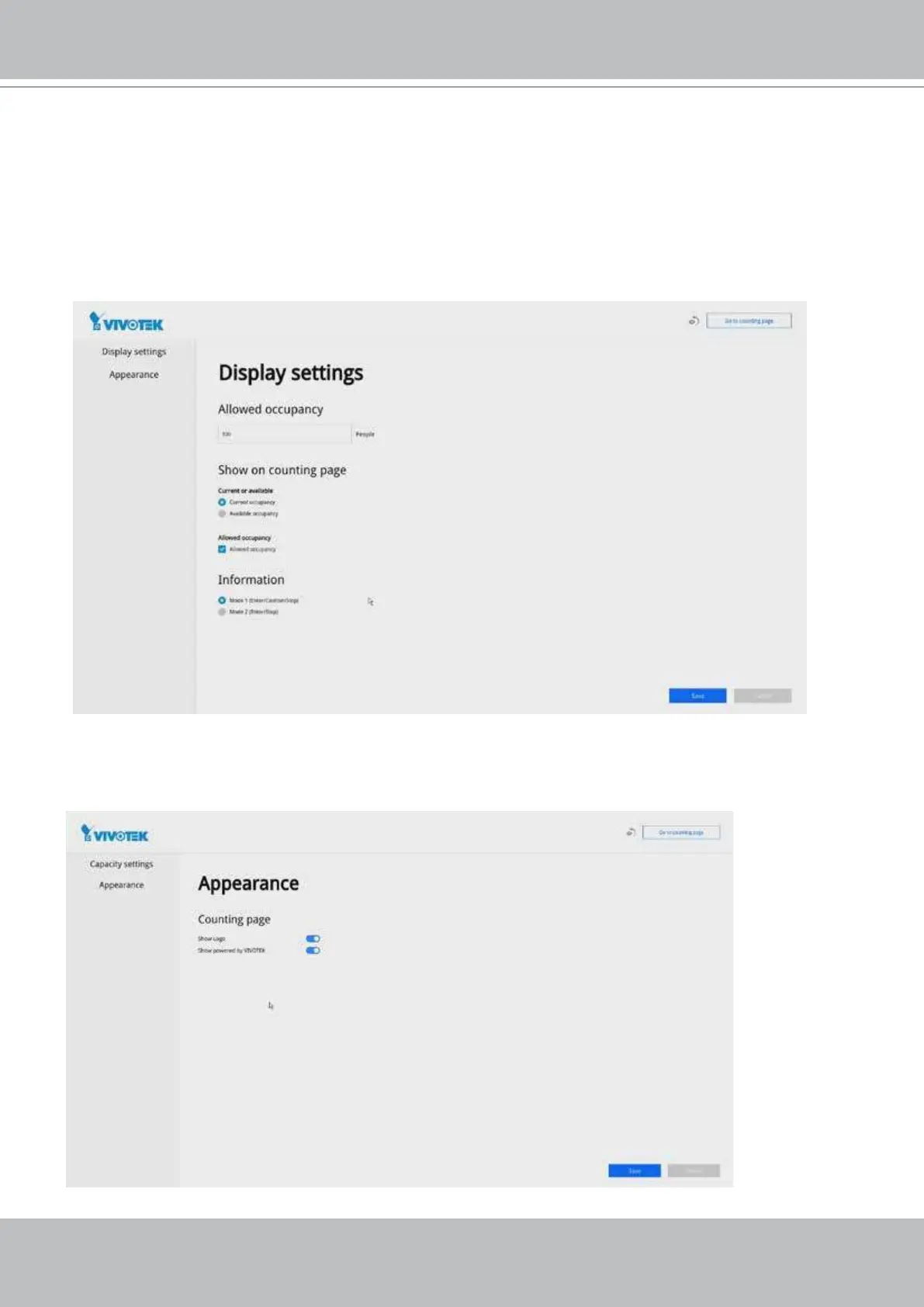
12. On the Display settings page,
Allowed occupancy: Enter the maximum number of customers allowed in your facility.
Show on counting page: Select to display either Current occupancy or Available
occupancy (the remaining number of people to come)
Allowed occupancy: You can choose either to display the maximum number on screen
or not.
On the Appearance page, you can disable the appearance of VIVOTEK's logo on the
screen.



 To Next Page